Features
Everything the job needs,
Everything the job needs,
drawn from the job.
KitSlate is one production, first enquiry to paid. Each feature below is a document or a database that reads what the others already know — so the call sheet knows the call time, the quote knows the gear, and the invoice knows the quote. Each value is entered once and read by the rest.
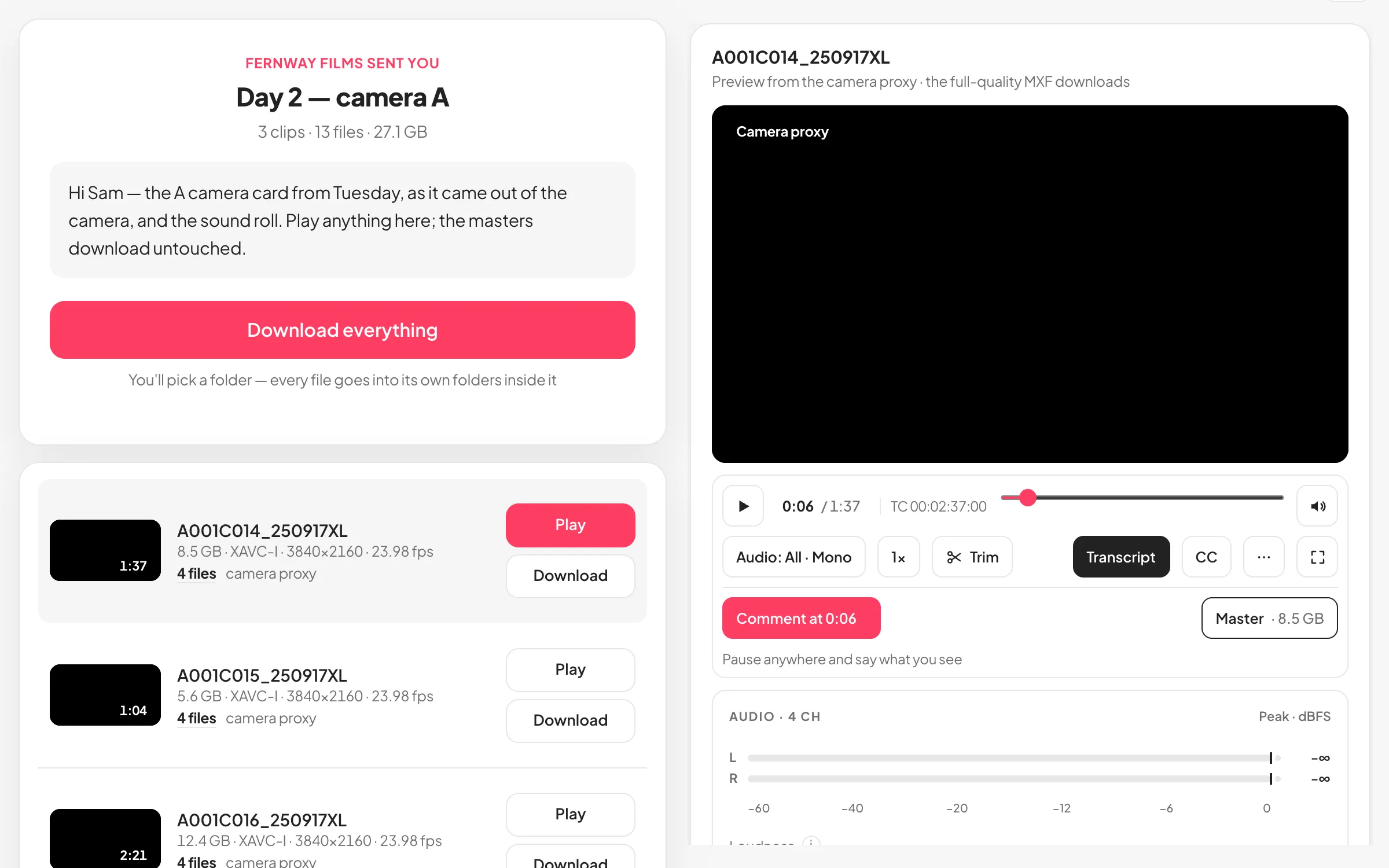
MEDIA CENTERSend, play and review camera files.Up to 1 TB by email or link, and a page where your client plays camera files, hears every track, comments at the frame and takes the part they need. On every plan.Read about media center →
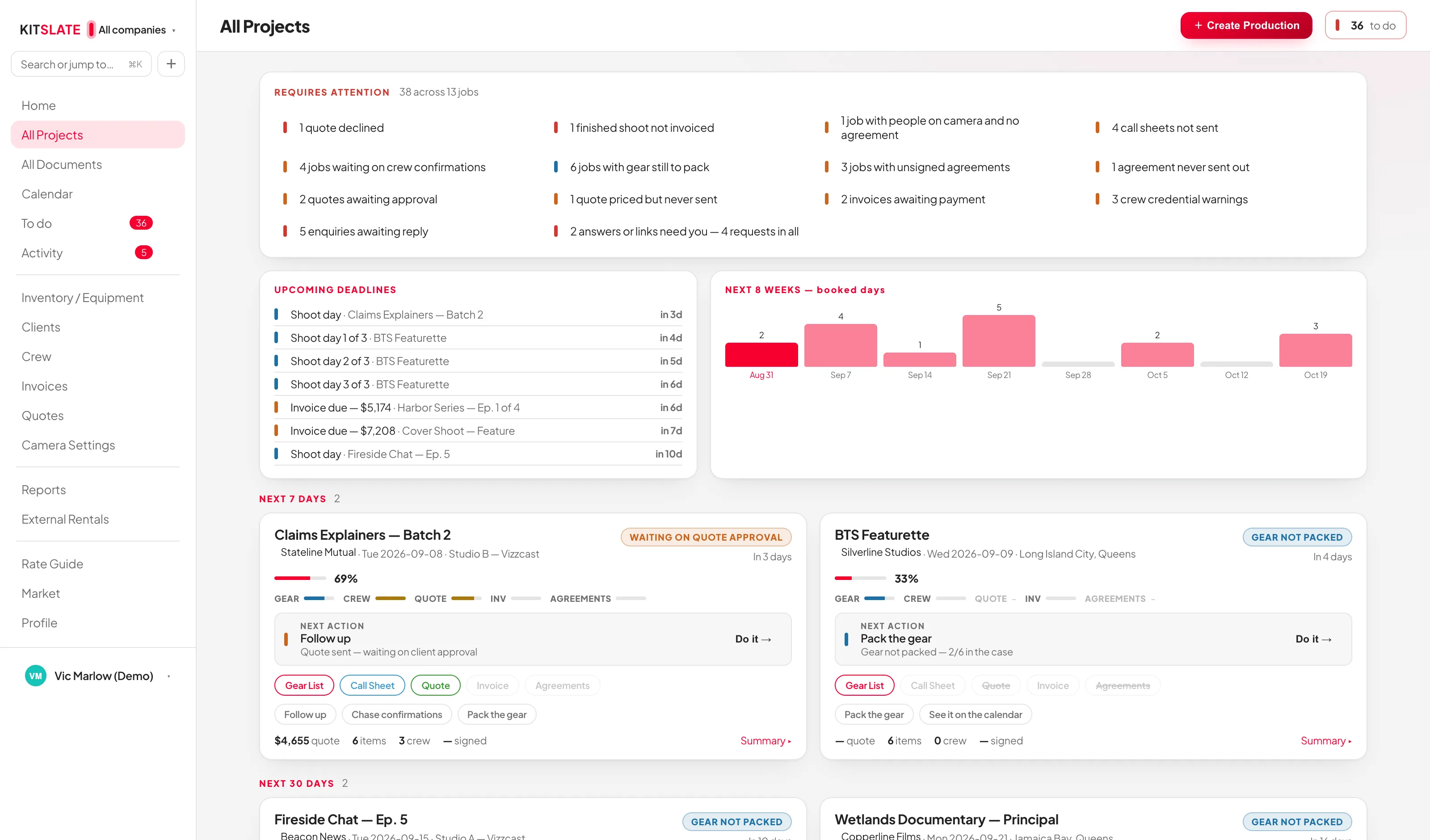
PRODUCTIONSOne record, and the five documents that read from it.A board that leads with what is blocked, date buckets instead of a list, and a card per job with its next action and every document’s state.Read about productions →
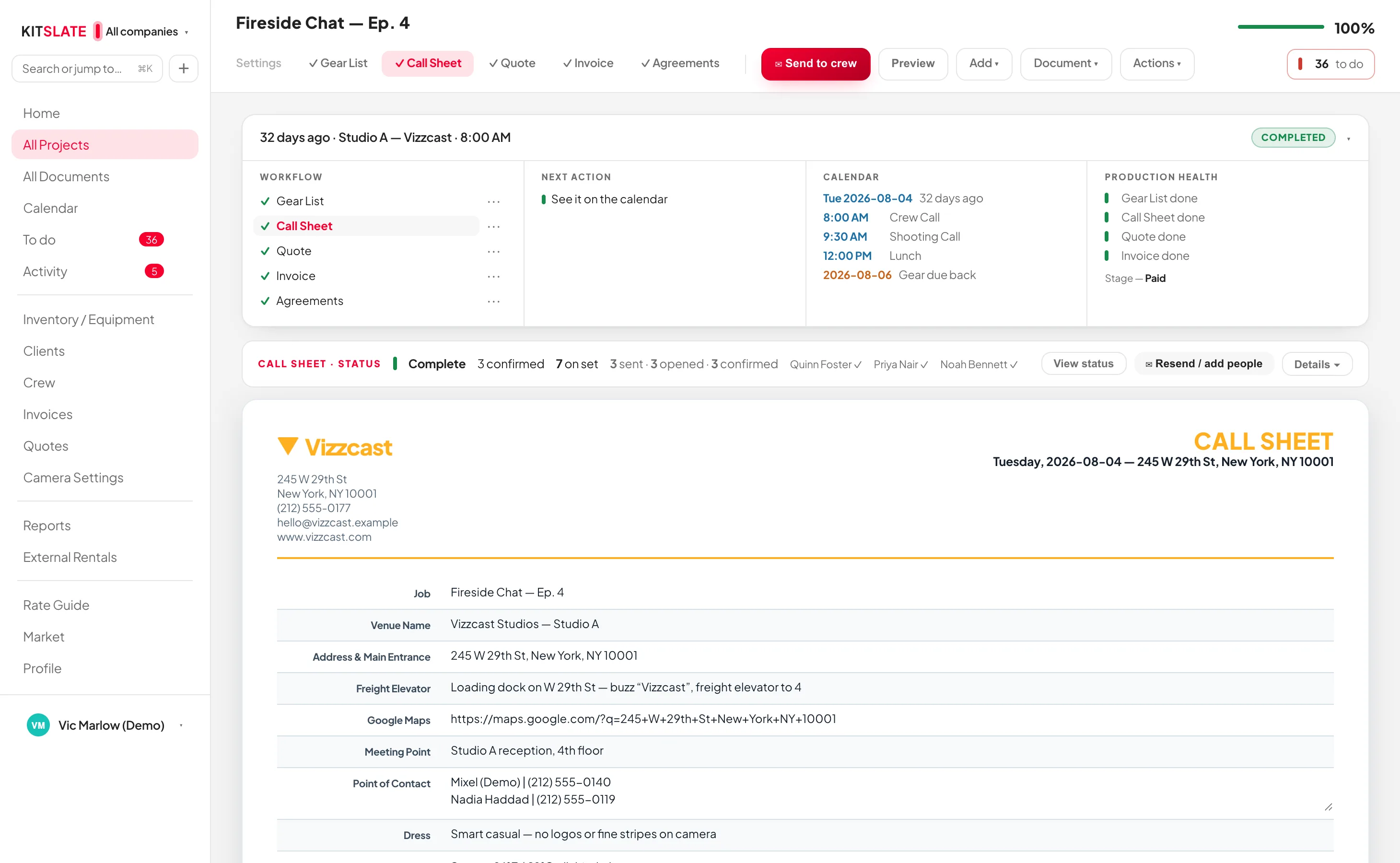
CALL SHEETSCall sheets that know who has confirmed.One email per person, their own call first, and a status card that shows who has confirmed.Read about call sheets →
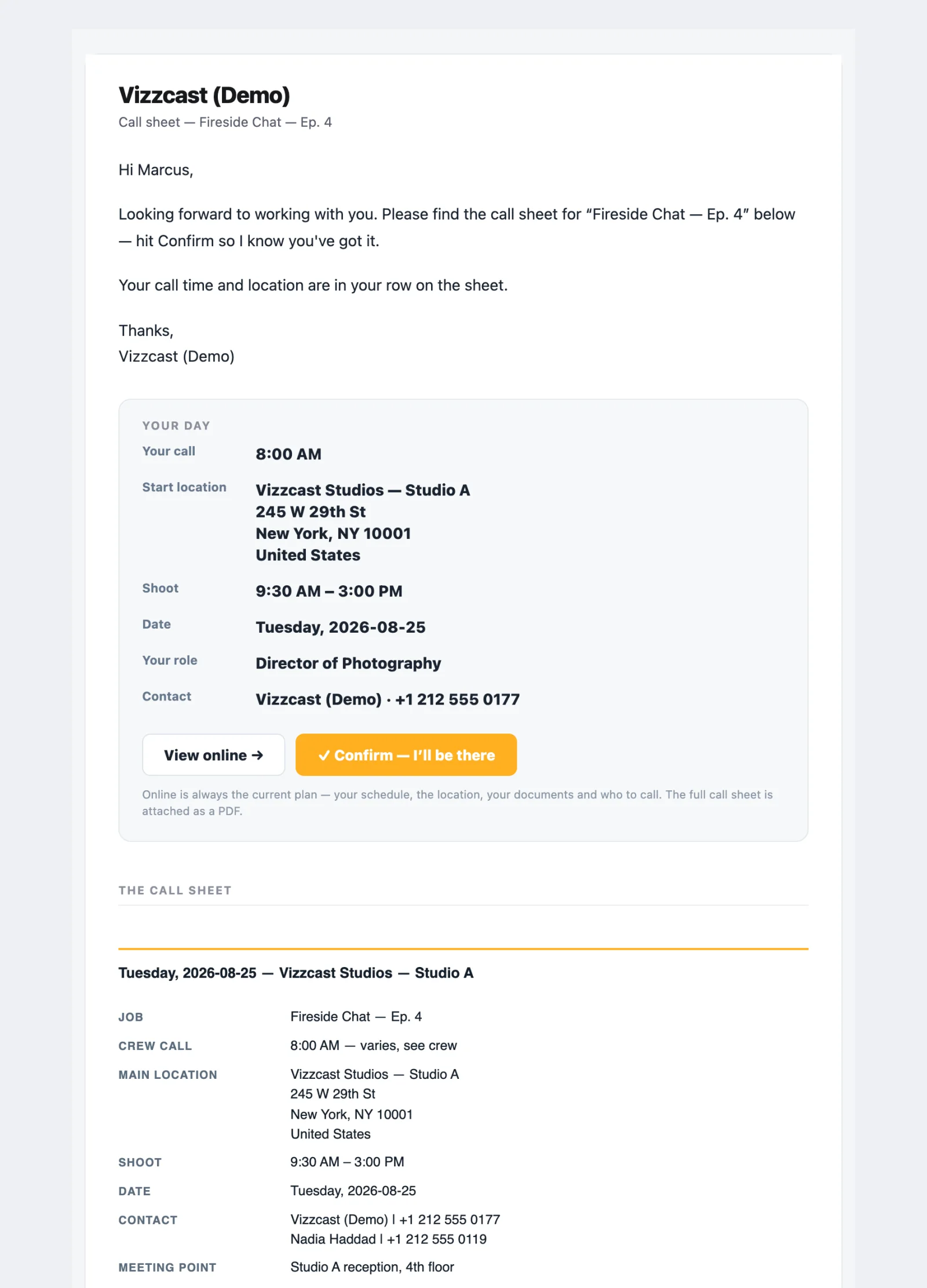
WHAT THEY RECEIVEWhat arrives on the other end.Every email, page and PDF your crew and clients actually get — captured from the sandbox, not mocked.Read about what they receive →
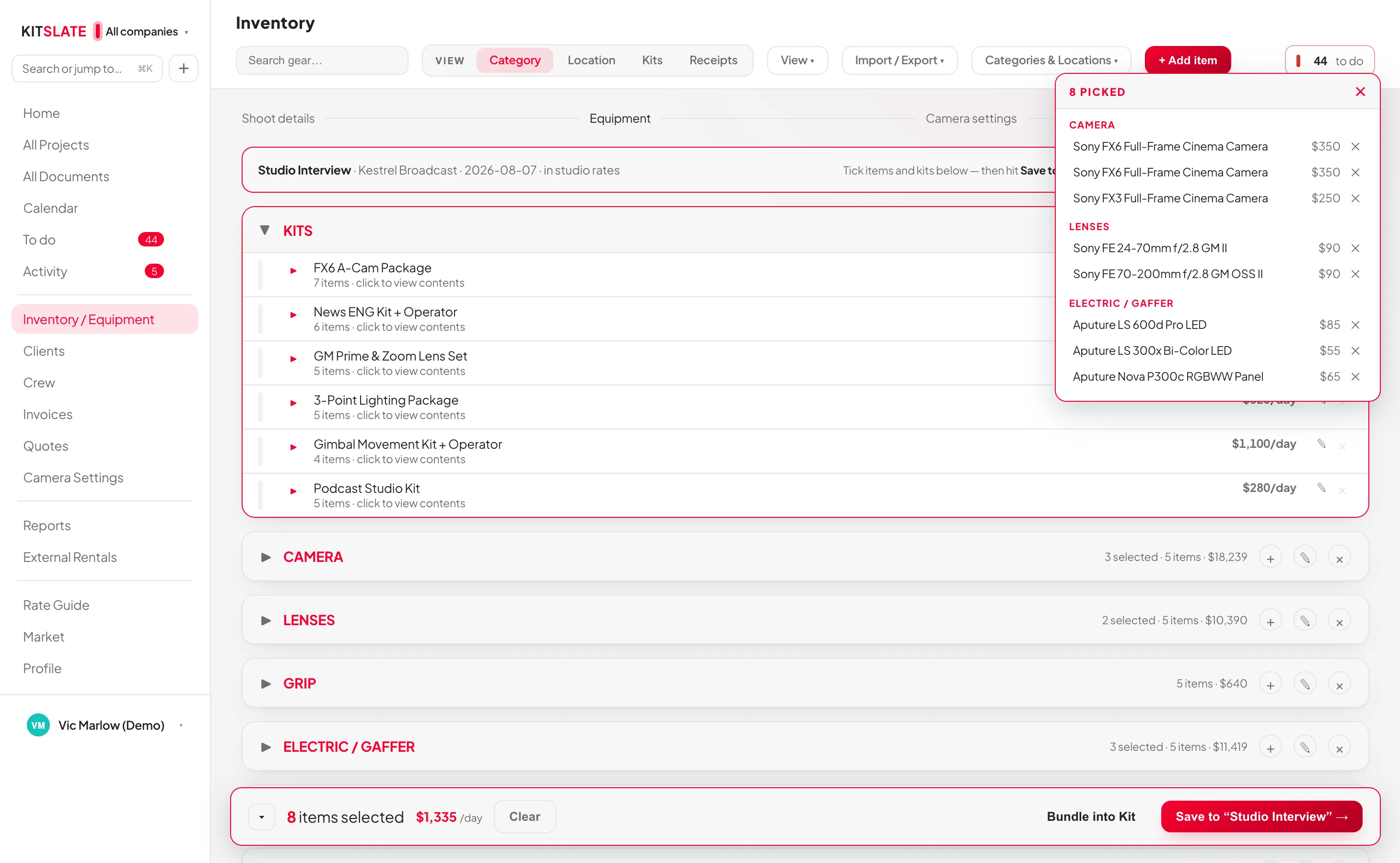
GEAR LISTSGear lists that price the job, pack the van and come back.Picked from your inventory, priced with one switch, packed by case, and every mark changes availability.Read about gear lists →
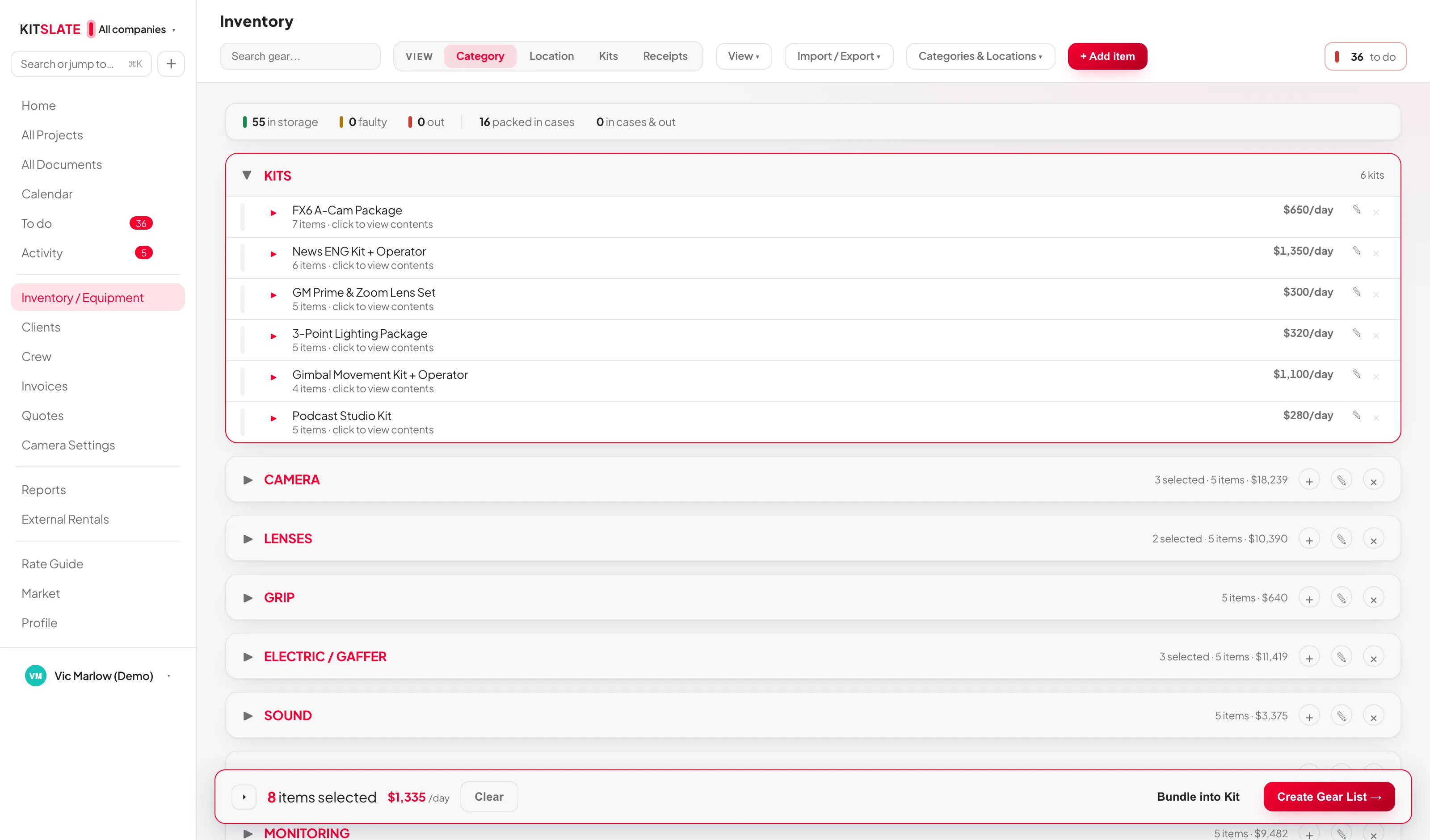
EQUIPMENT INVENTORYAn inventory that prices your quotes and packs your van.Categories, locations and kits, three cascading day rates, and an importer that reads almost anything.Read about equipment inventory →
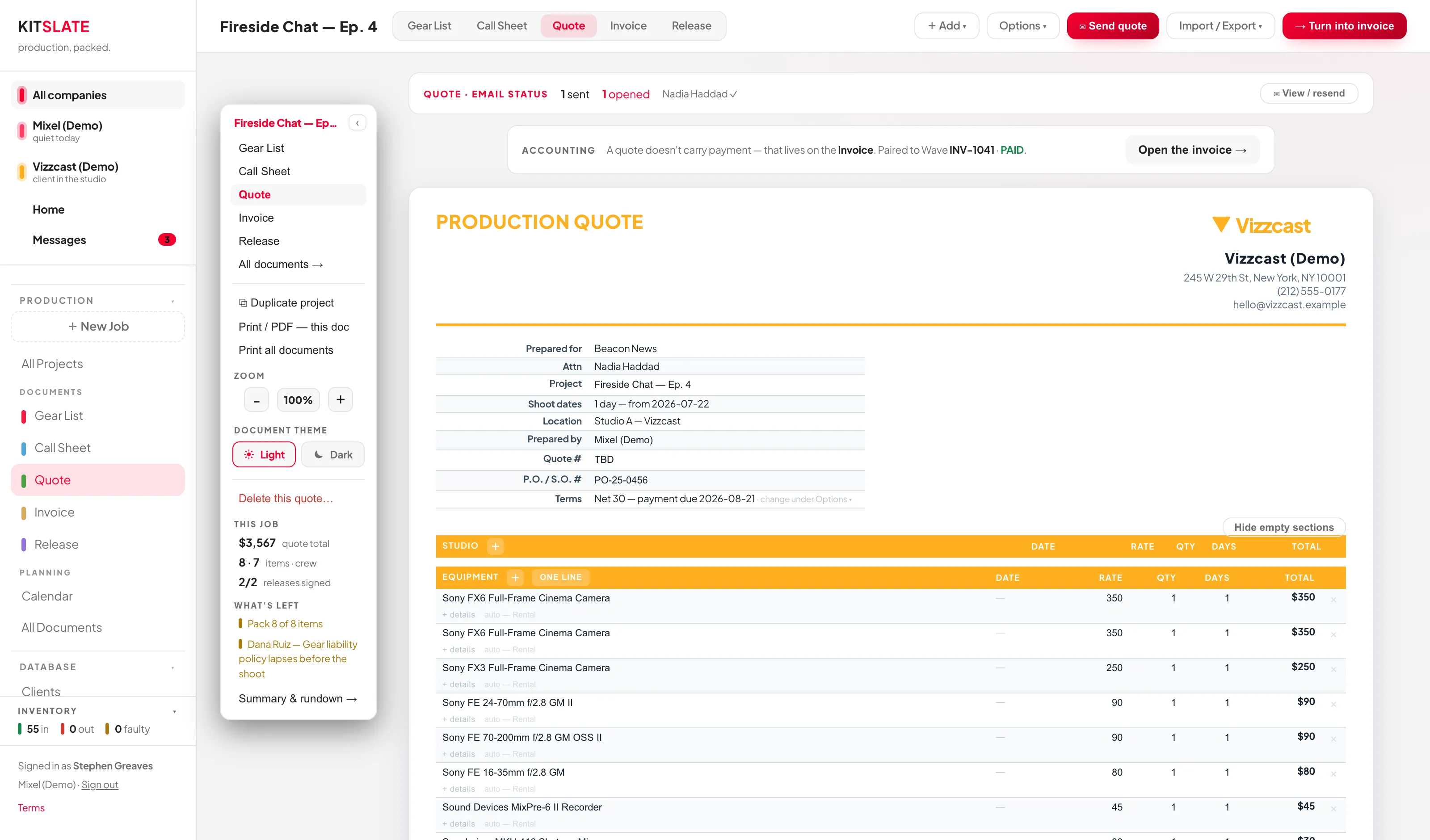
QUOTES & INVOICINGQuotes priced from the job, invoices raised from the quote.Five sections that collapse to one client line, an invoice raised from the quote, and a hosted page with a real Pay button.Read about quotes & invoicing →
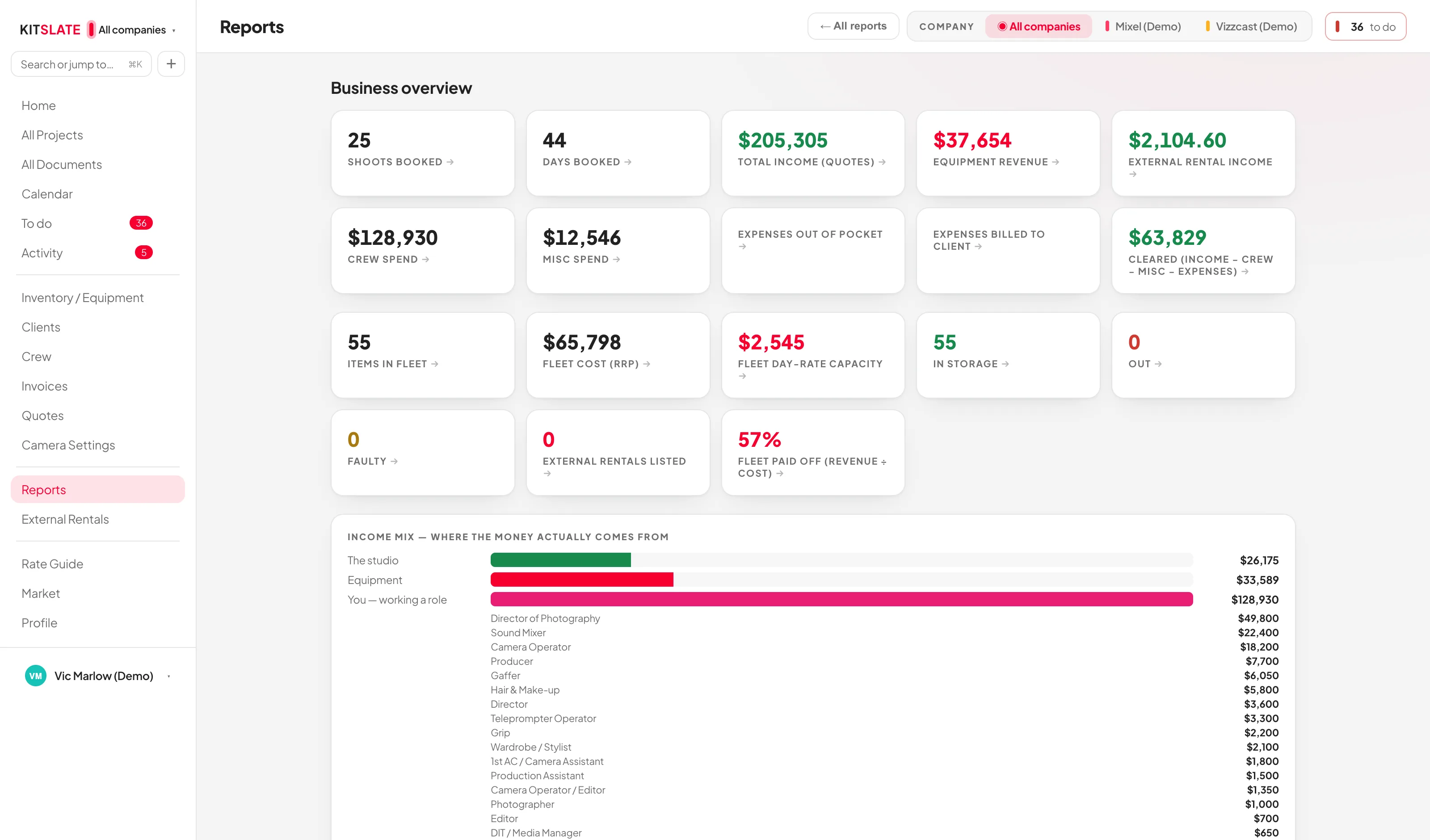
REPORTSTwelve reports. The headline figures drill in.Money, equipment and crew: income mix, equipment payback, idle gear, outstanding invoices and crew spend.Read about reports →
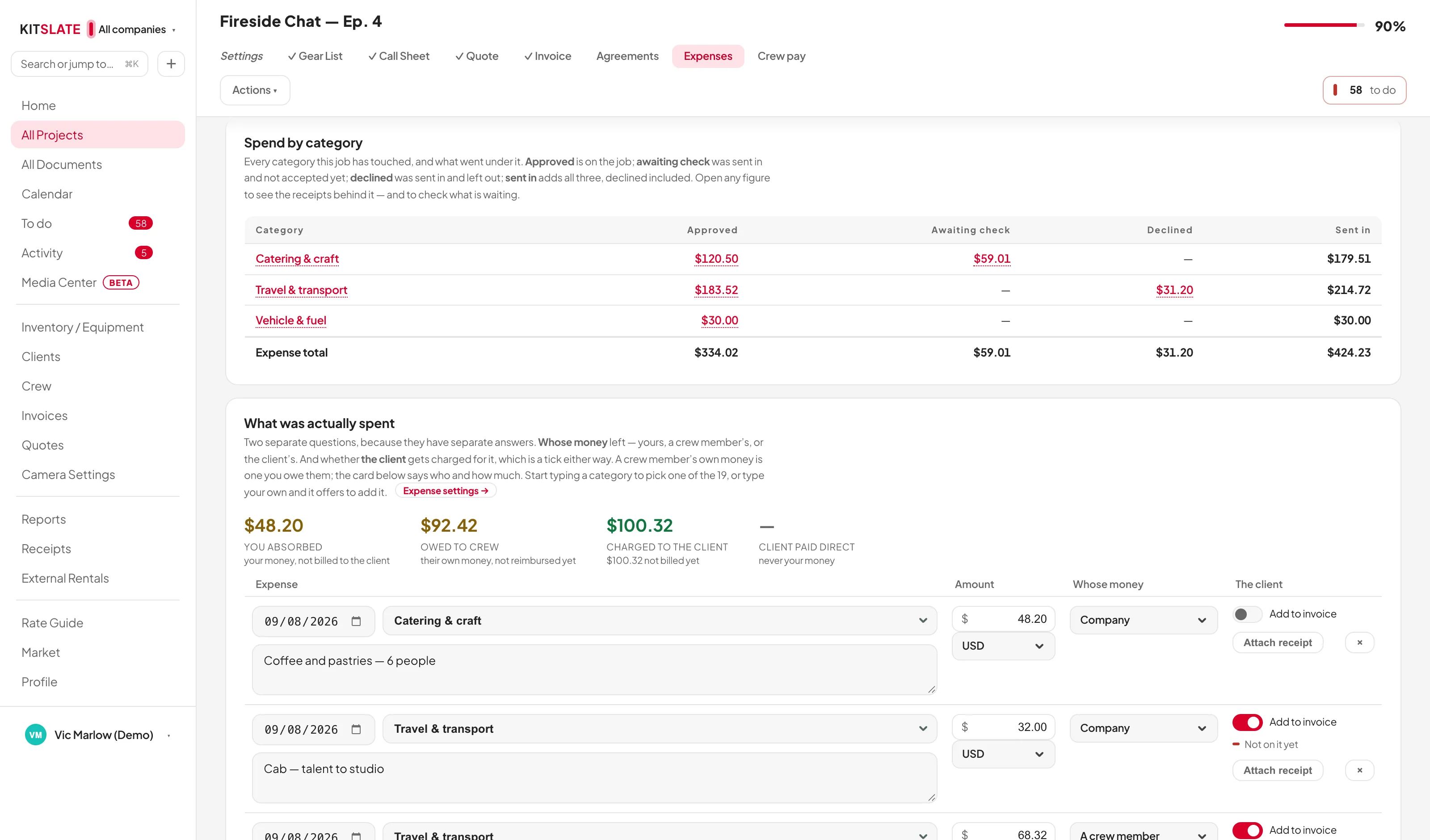
EXPENSES & RECEIPTSEvery receipt read, kept, and billed.Receipts in from your desk, the crew’s phones or a forwarded email, checked beside the receipt, a spend-by-category ledger that opens the receipts behind every figure, and one switch to bill it.Read about expenses & receipts →
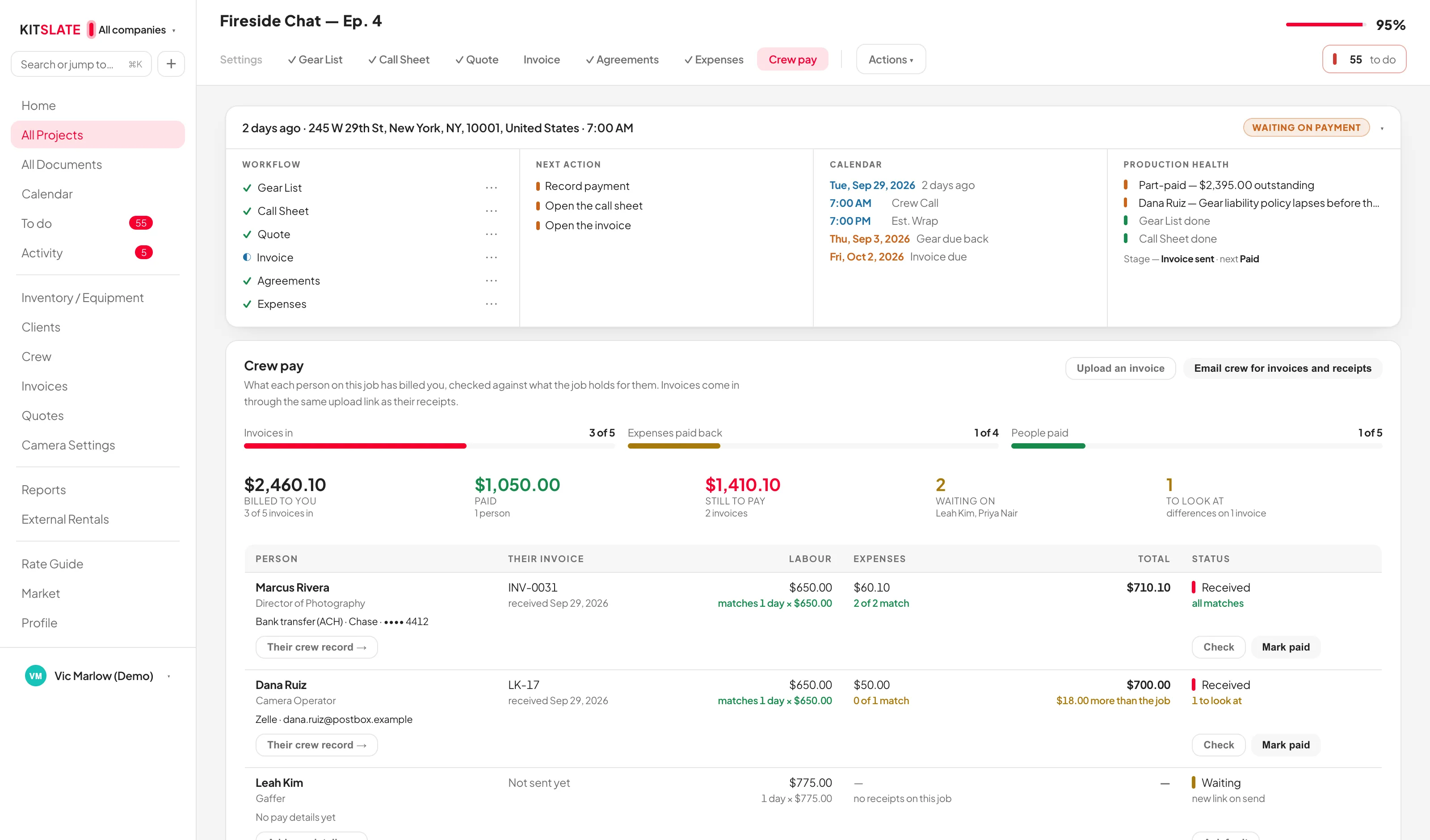
CREW PAYEvery crew invoice in, checked, and paid.One wrap-up email to the whole crew, invoices in through their own links, every line checked against the day rate and the receipts, and each payment recorded — with every person’s work history filling in.Read about crew pay →
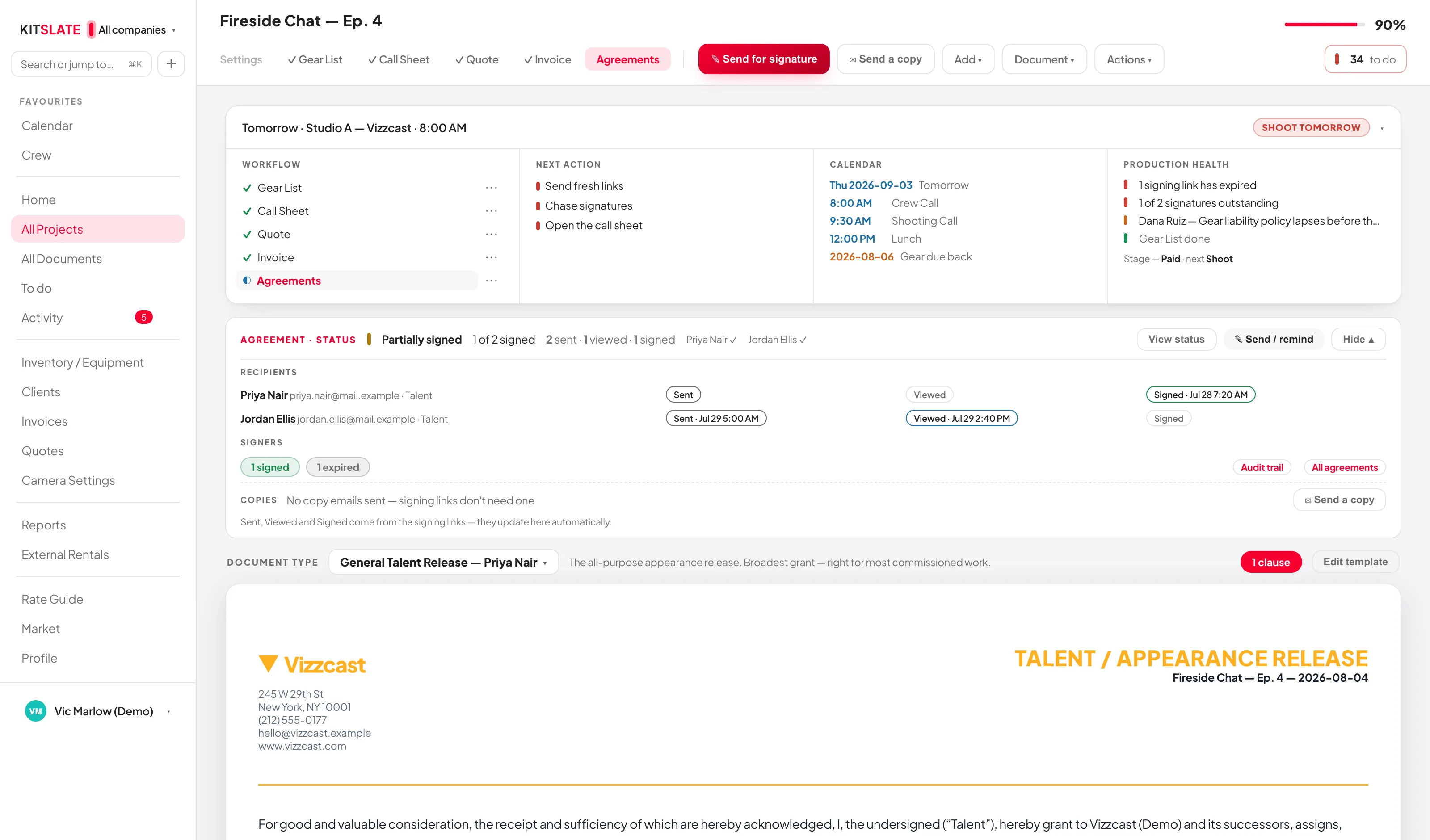
AGREEMENTS & RELEASESTalent releases, location releases and NDAs, signed on a phone.Eight talent wordings, a location release, custom agreements, and a built-in signing engine with an audit trail.Read about agreements & releases →
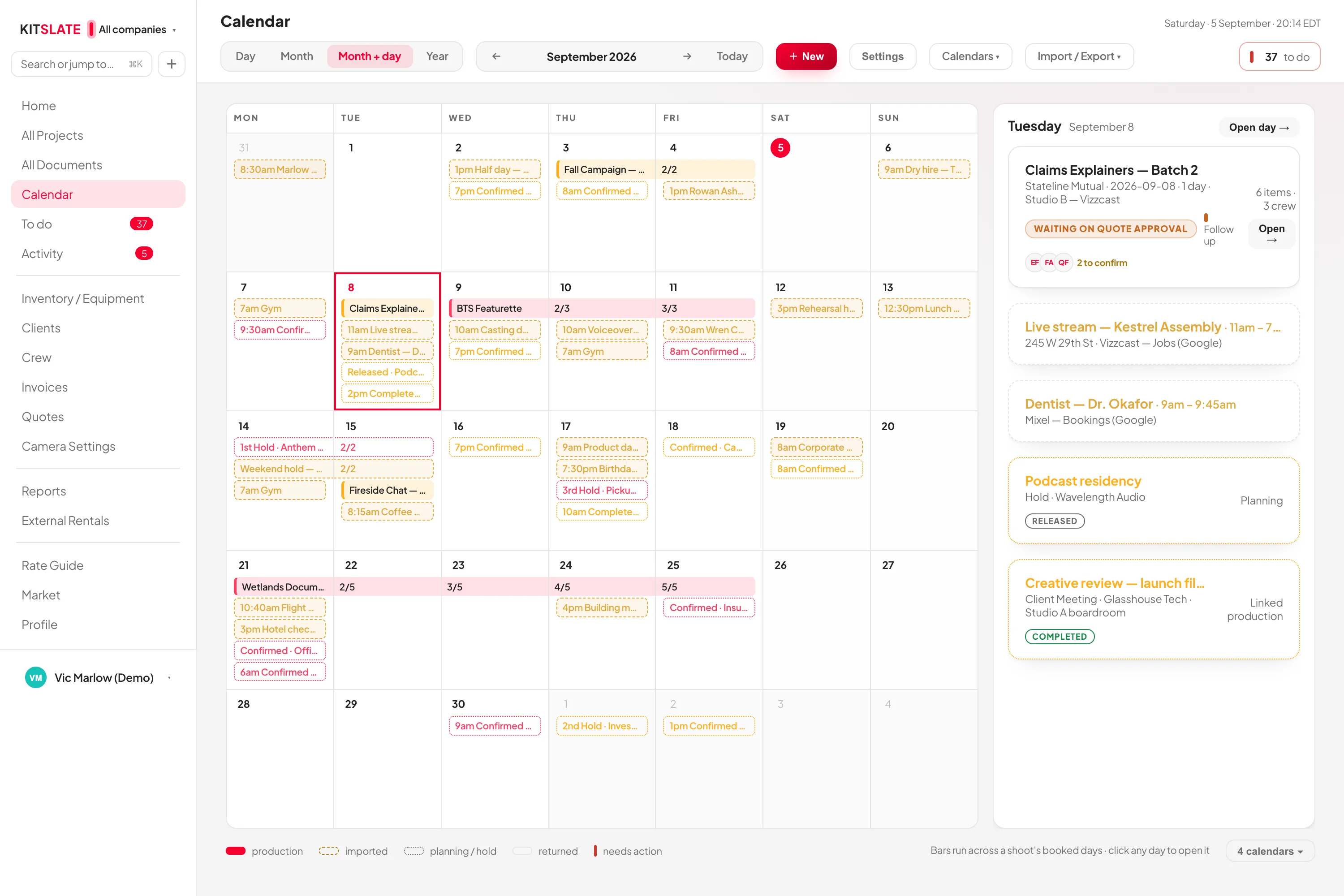
CALENDAR & AVAILABILITYA calendar that understands productions.Multi-day bookings, drafts that hold without blocking, outside calendars in, each company’s calendar out to its own Google account, and a studio availability view.Read about calendar & availability →
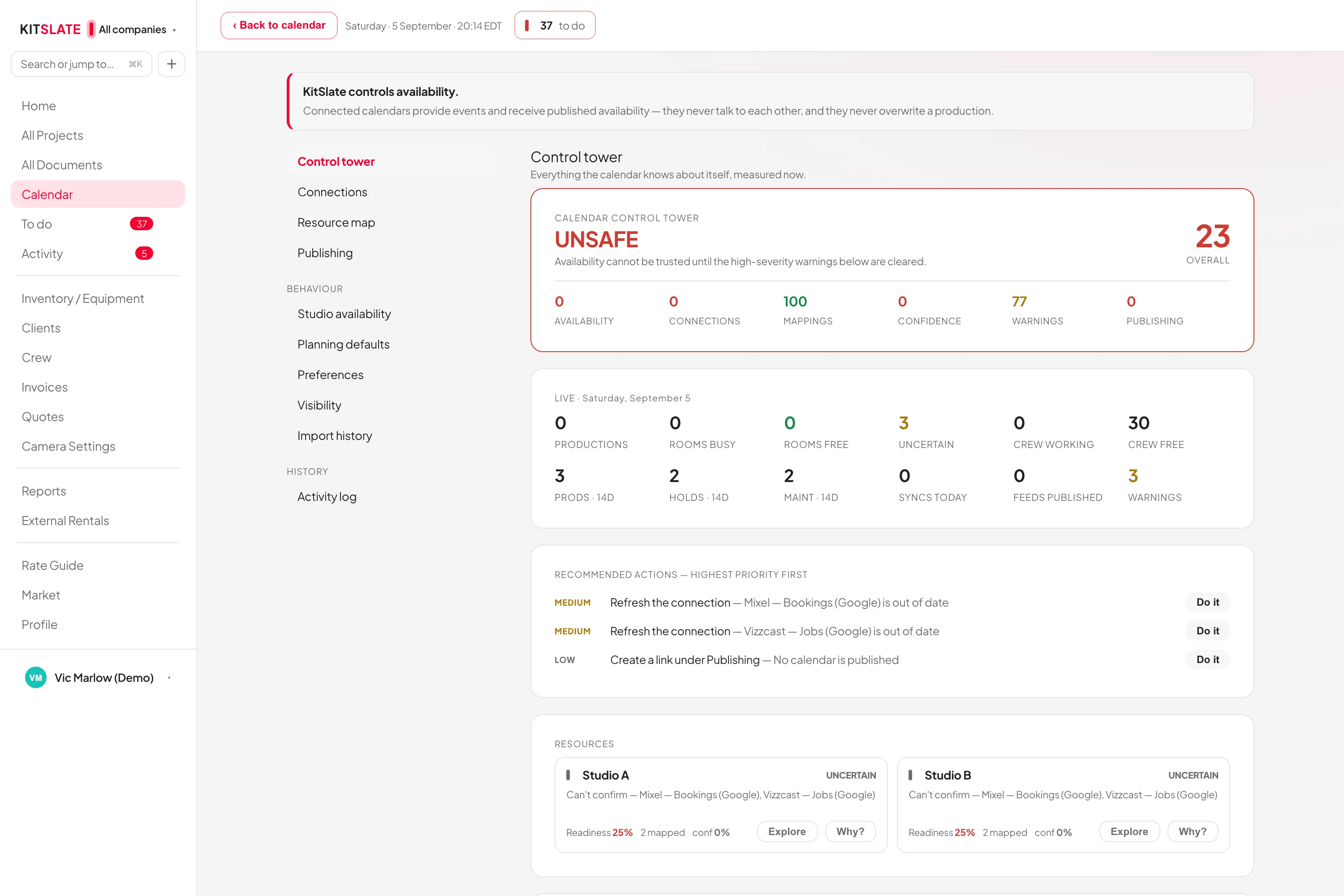
INTEGRATIONSWhat KitSlate connects to.Google Calendar per company, Stripe on invoices, email in your company’s name with replies to you, accounting by file import and export.Read about integrations →
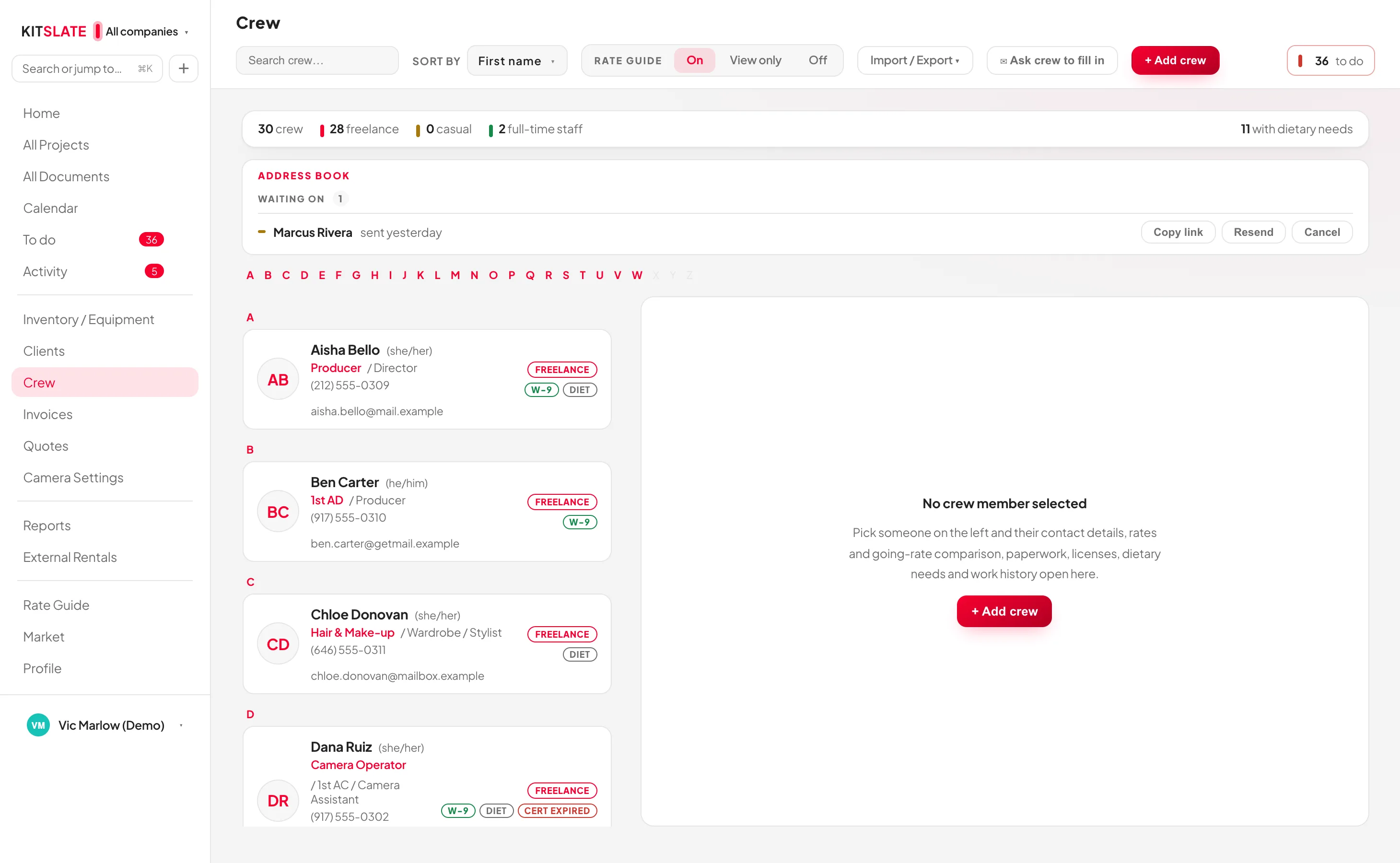
CREW DIRECTORYYour crew database, and a directory where people find you.Two roles and two rates per person, paperwork and certifications with expiry, a form they fill in themselves, and a public directory.Read about crew directory →
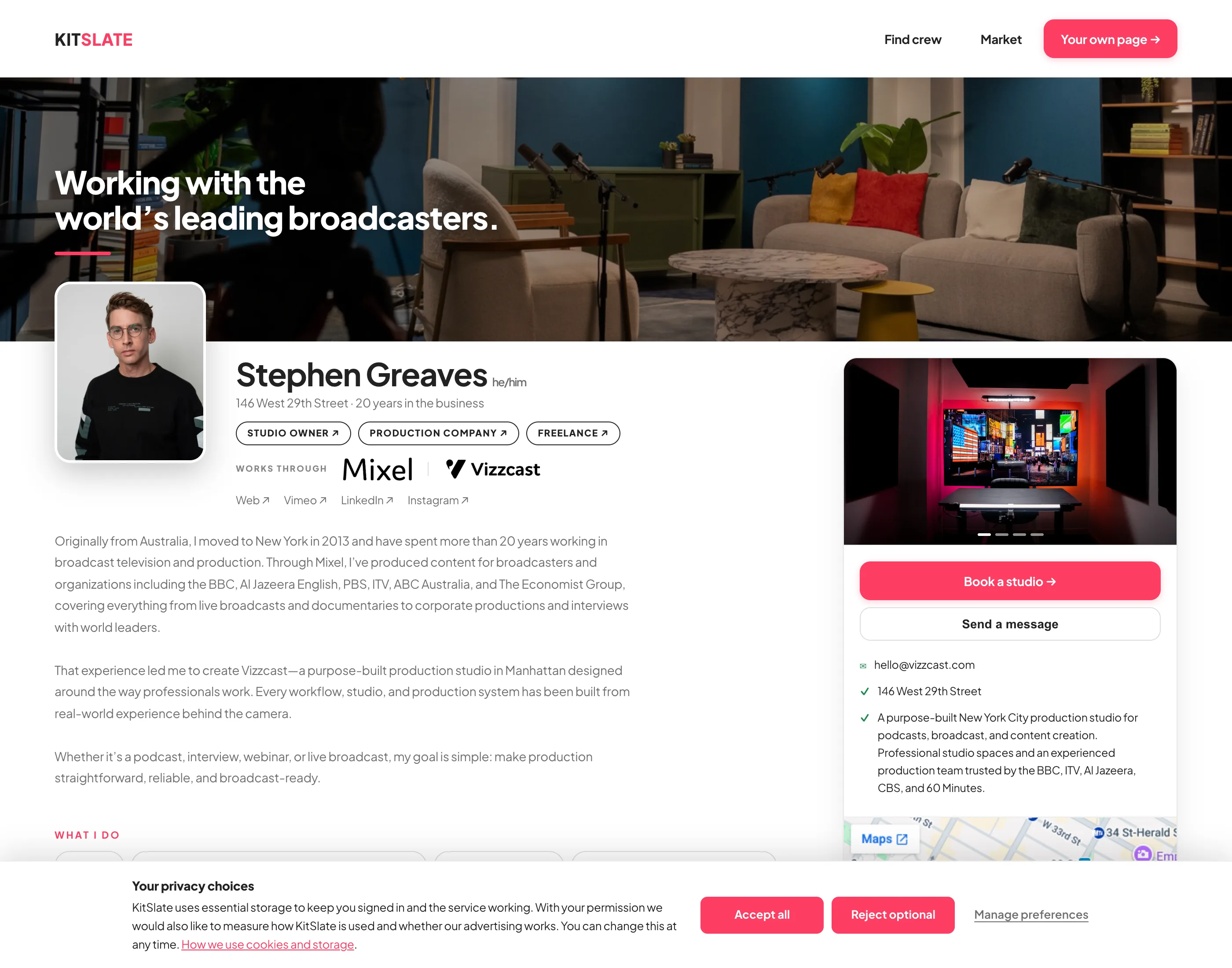
PUBLIC PROFILEA page of your own. Free, on every plan.Roles, showreel, kit for hire, for-sale listings and an enquiry form, at your own address. In the directory the moment you publish.Read about public profile →
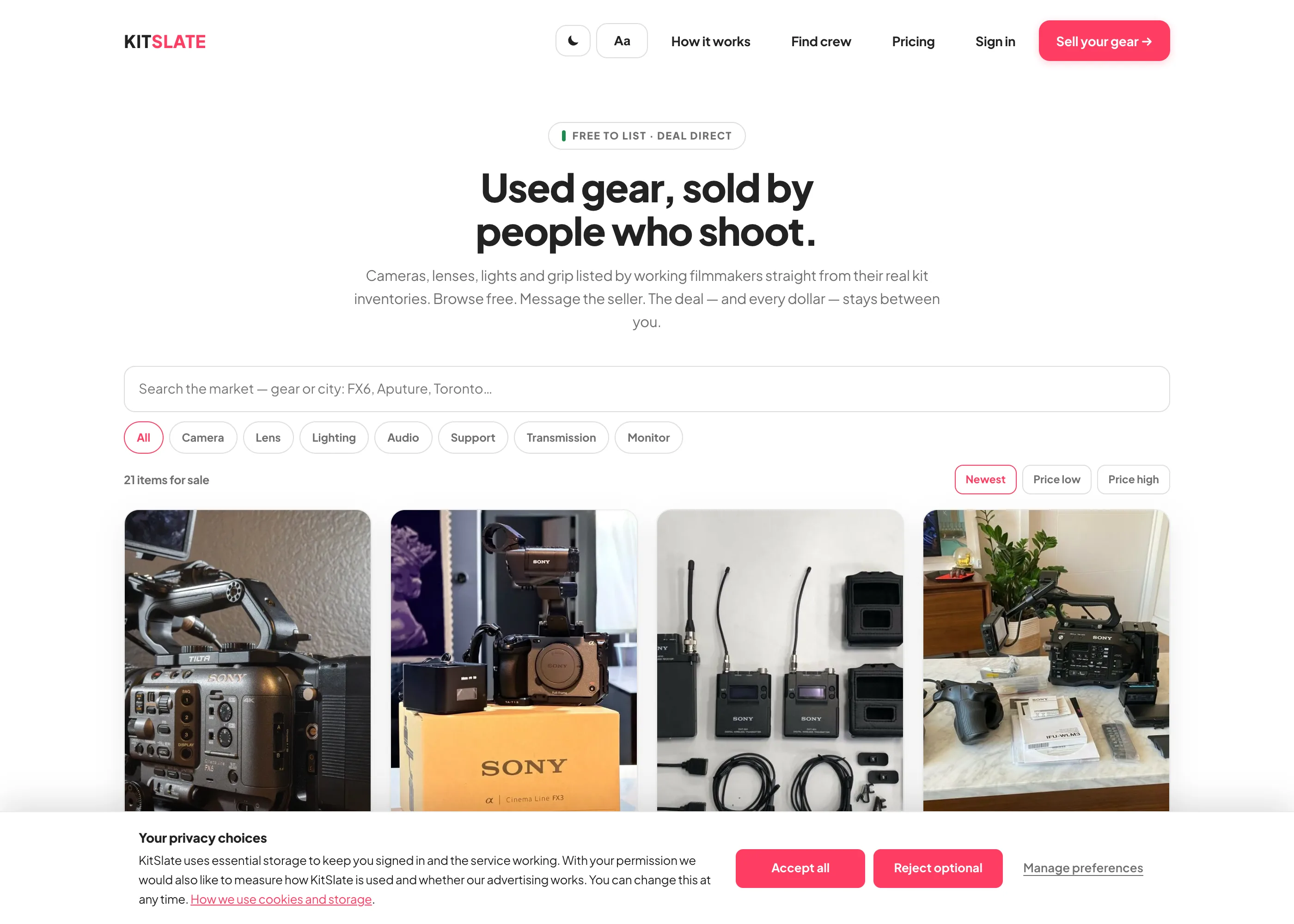
USED-GEAR MARKETSell used gear to people who shoot. Free to list, and you keep the full sale.List from the shelf in one click, verify with the receipt, message direct. No fees, no commission, no escrow.Read about used-gear market →
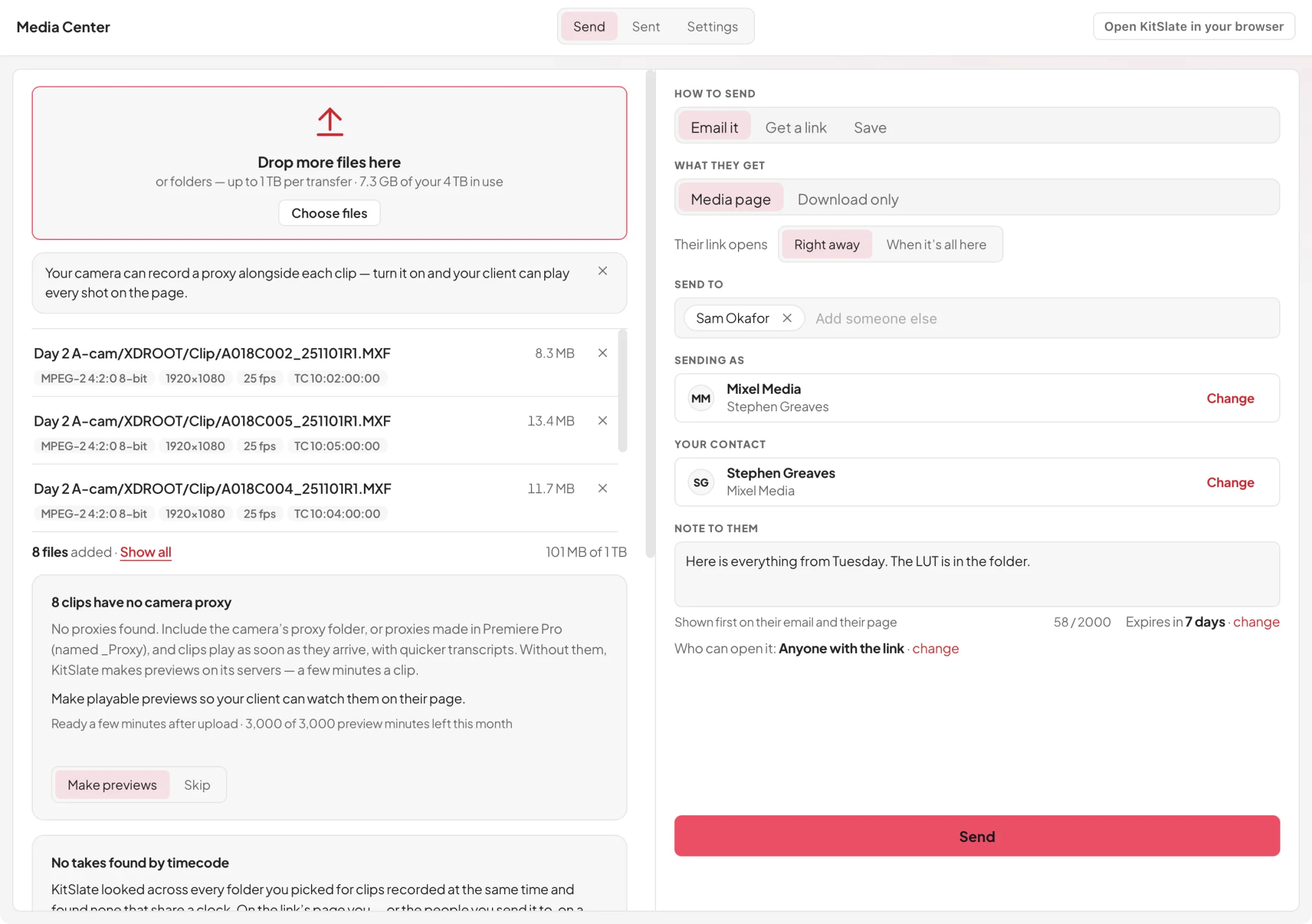
DESKTOP APPBig transfers finish. Even when you walk away.The same Media Center, in a small app for Mac and Windows. Uploads carry on through sleep and restarts, and the app updates itself.Read about desktop app →
ONE PRODUCTION — how it hangs together
You create the job once.
The client, the dates, the crew, the equipment and every document after that belong to that production. The call sheet already knows the call time, the invoice already knows the lines, and the agreement already knows who is on set. How it works walks the whole job from first enquiry to paid; the manual explains every screen.
See it all on one job.
The sandbox is a full workspace with a production already in it. No account, no card, nothing to install.