What lands on the other end.
You see the editor. Your crew and clients see an email from your company, a page that works on a phone, and a PDF they can keep. This is that side, every email and every page, captured from the sandbox exactly as the app sends it — nothing mocked up, nothing tidied.
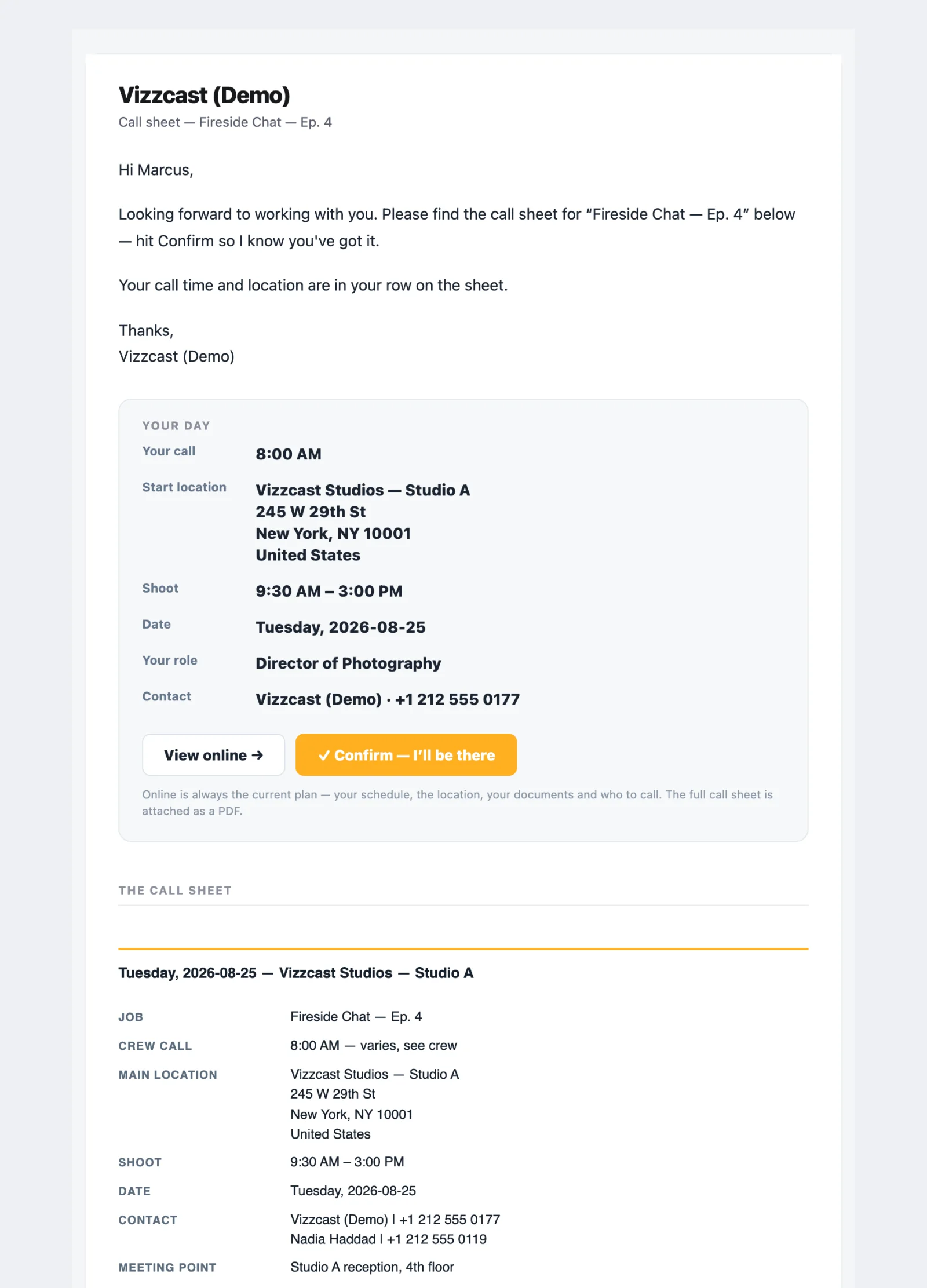
Before any of that: the invitation.
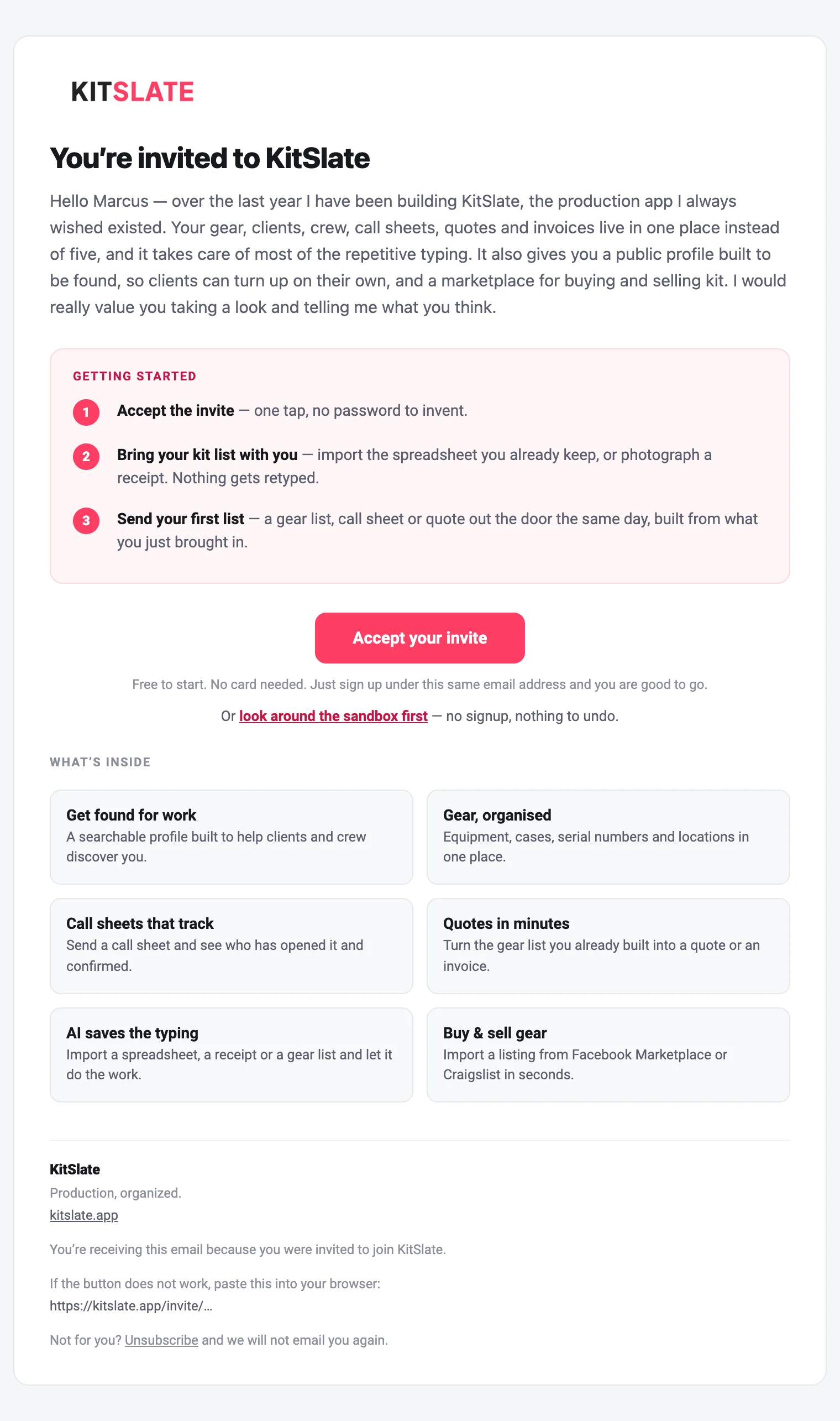
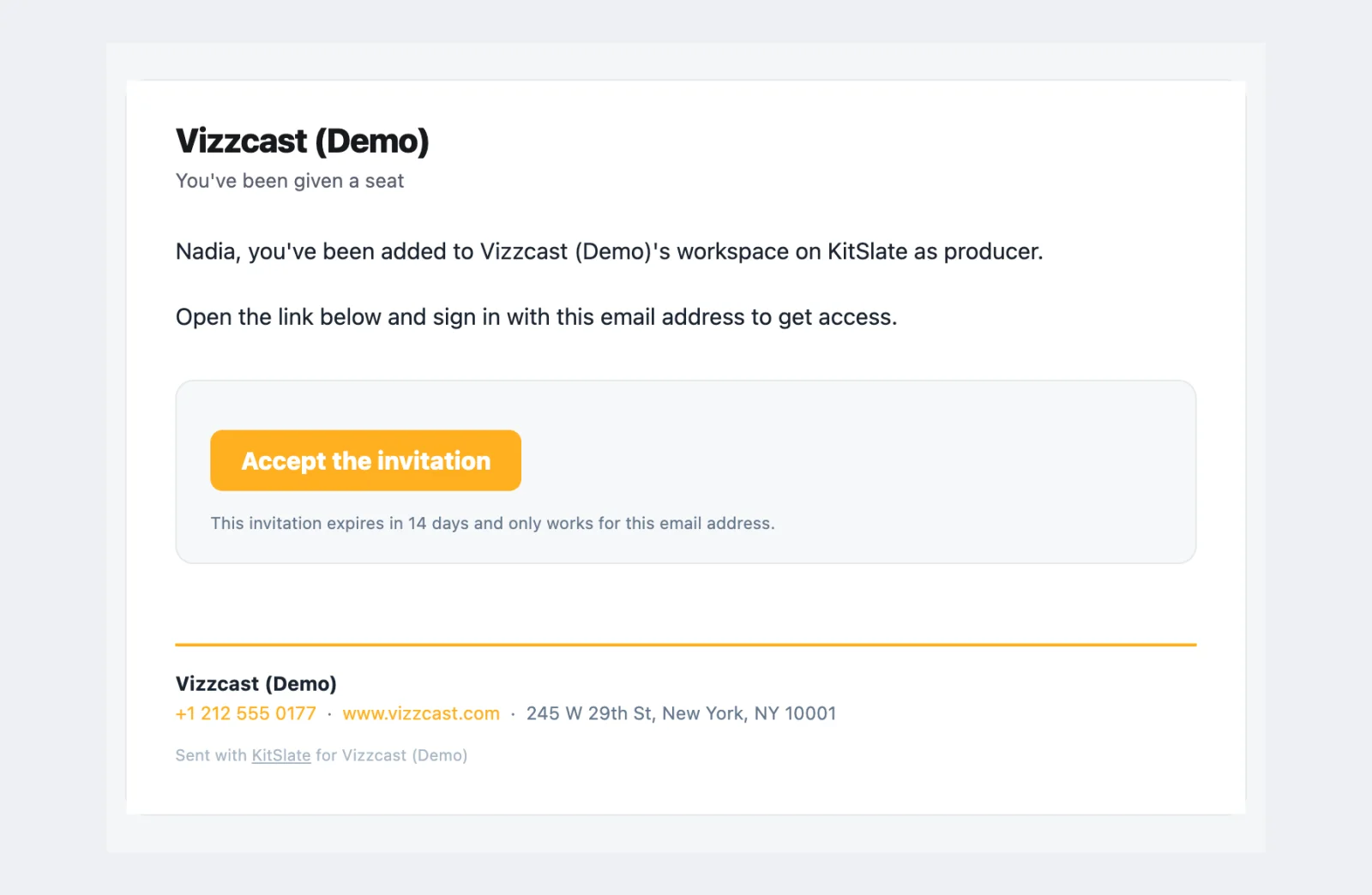
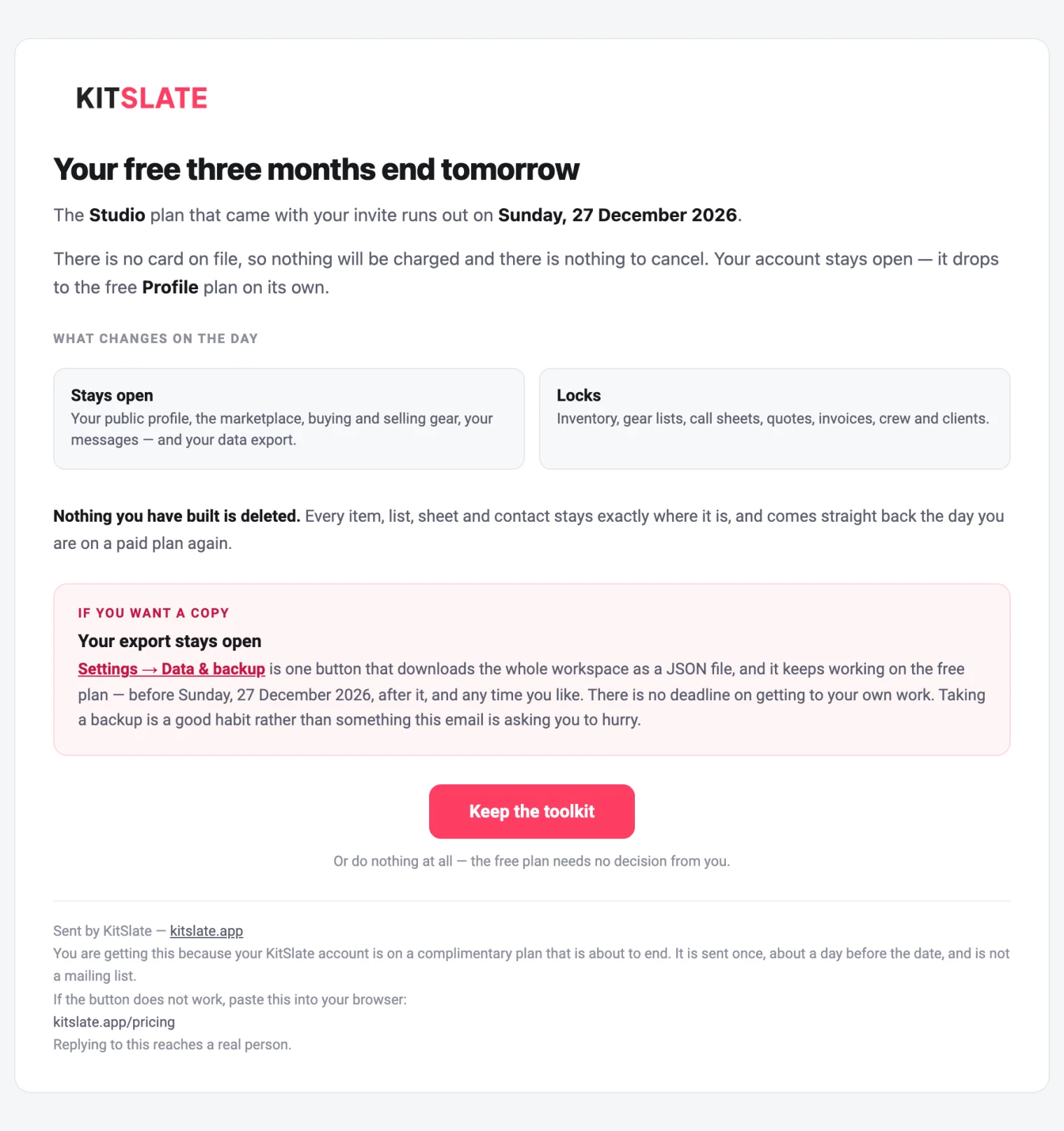
Four emails come from KitSlate rather than from a company: the invitation, the note that says a request for access has arrived, the seat invitation when a workspace adds someone, and the one warning that a complimentary plan is about to end. Everything else on this page comes from your company.
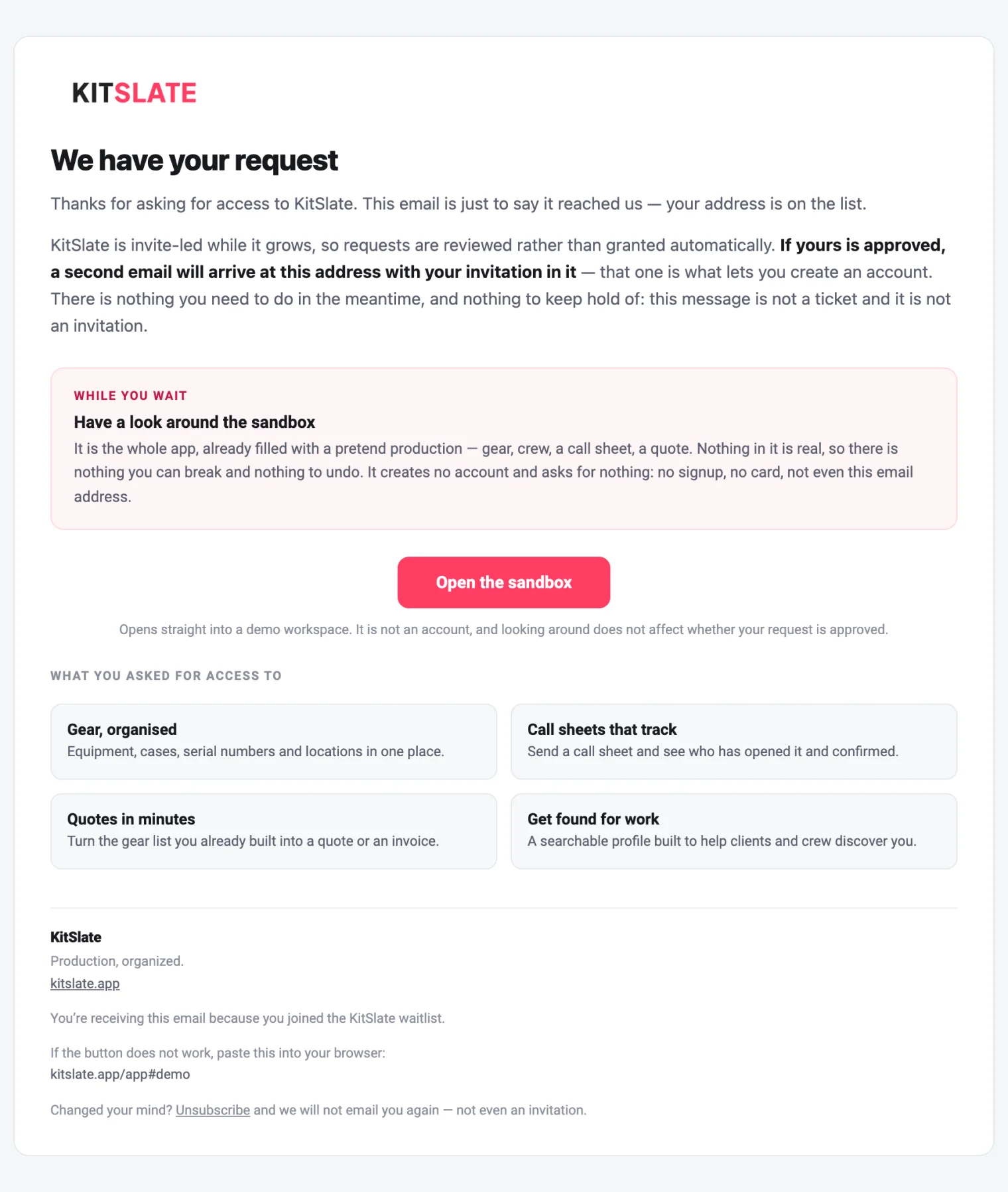
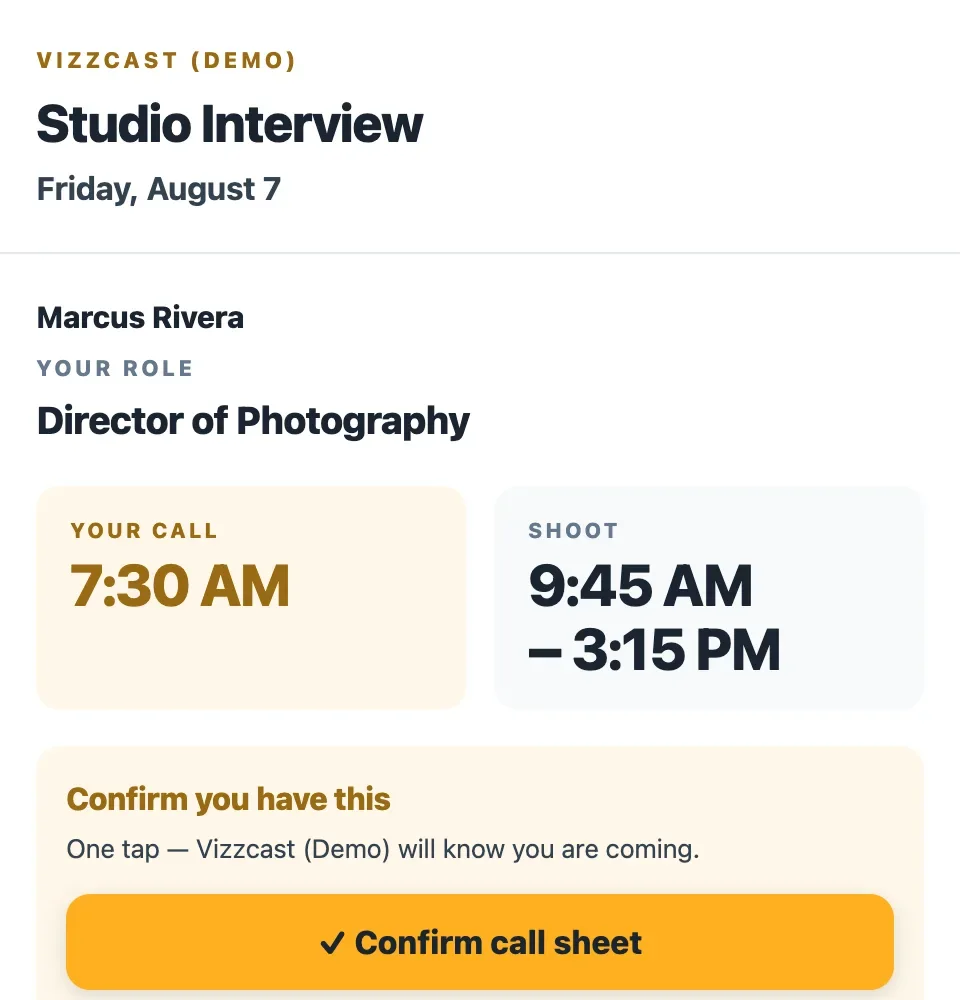
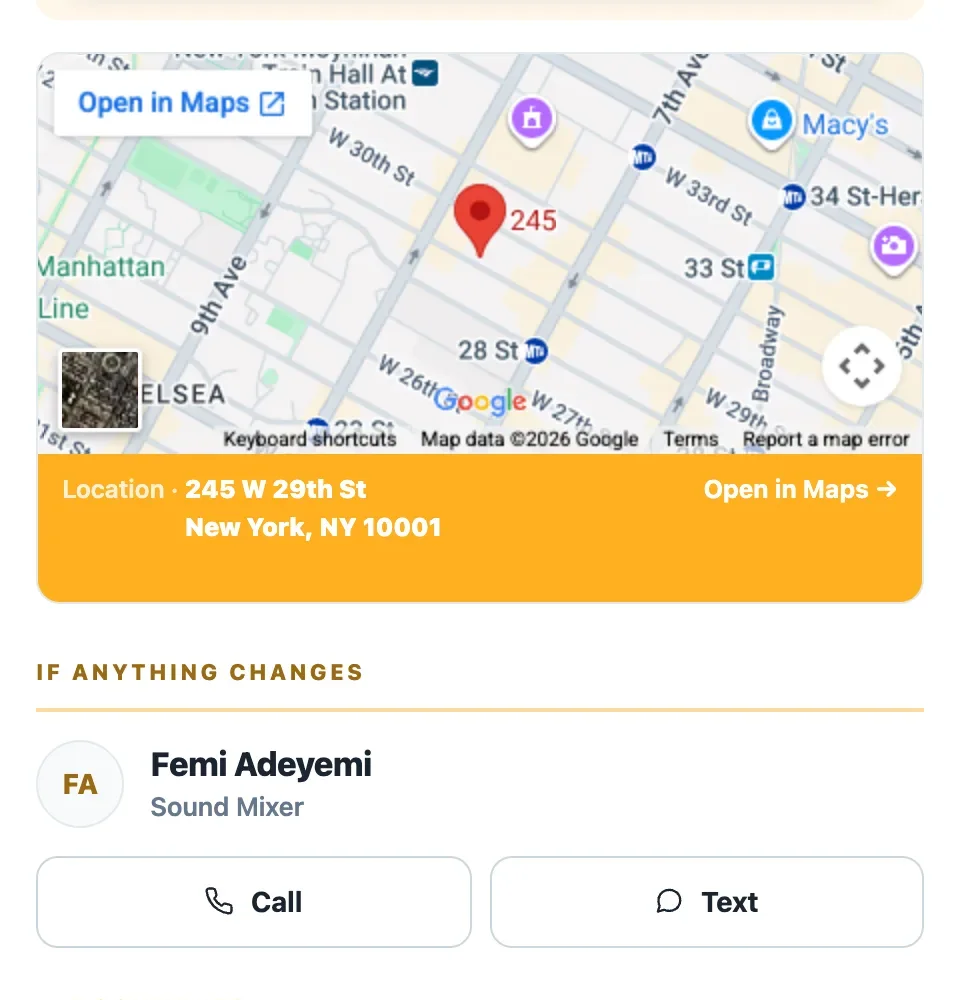
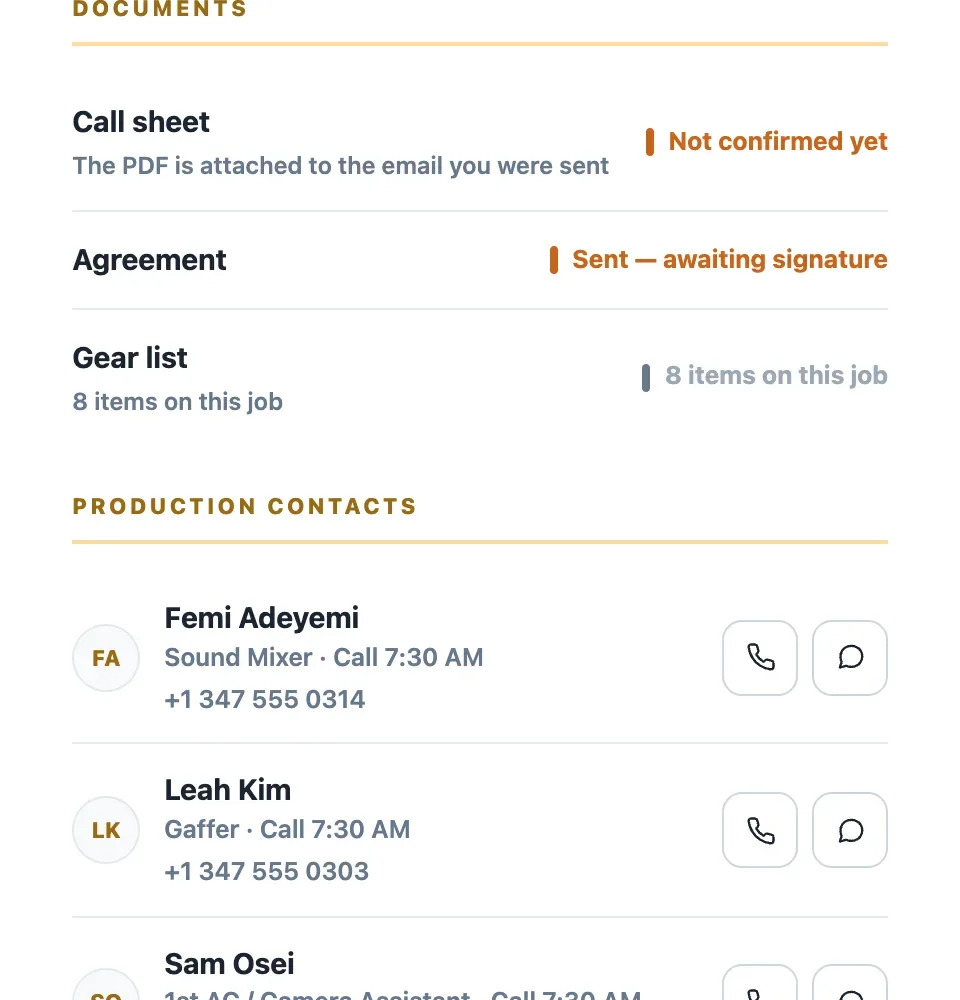
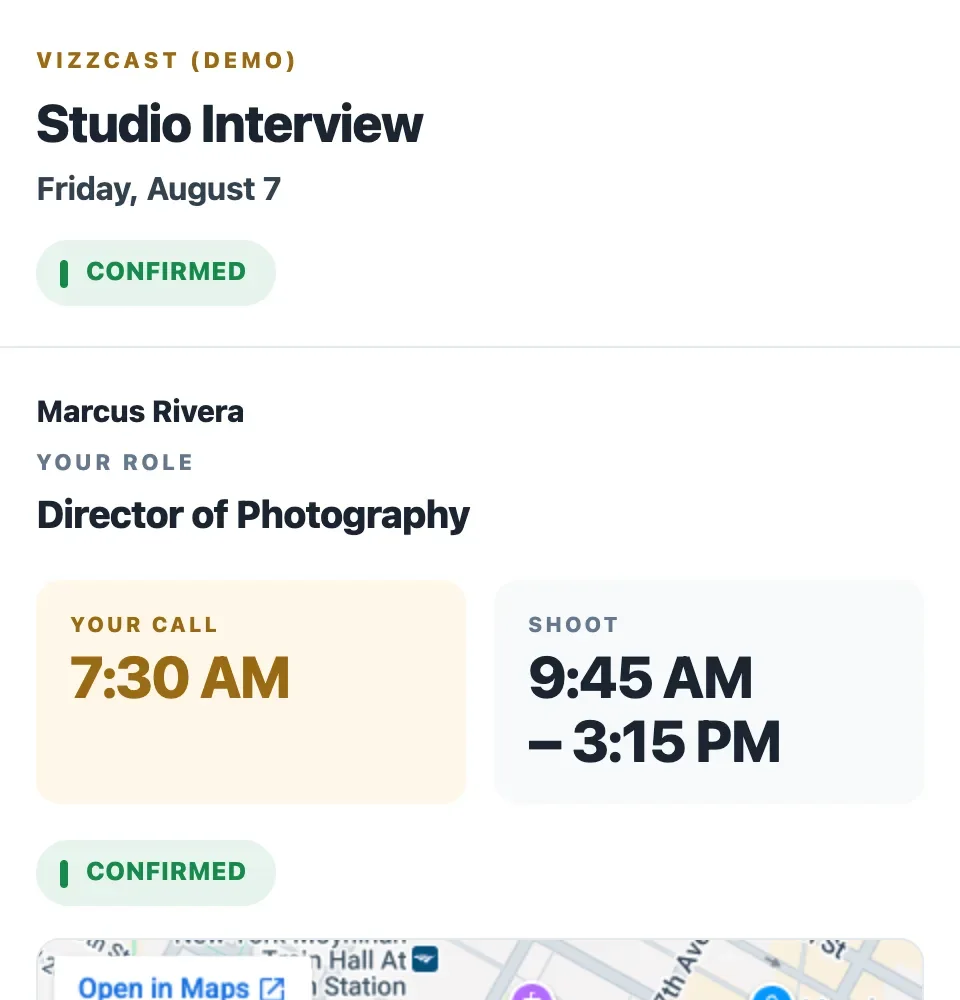
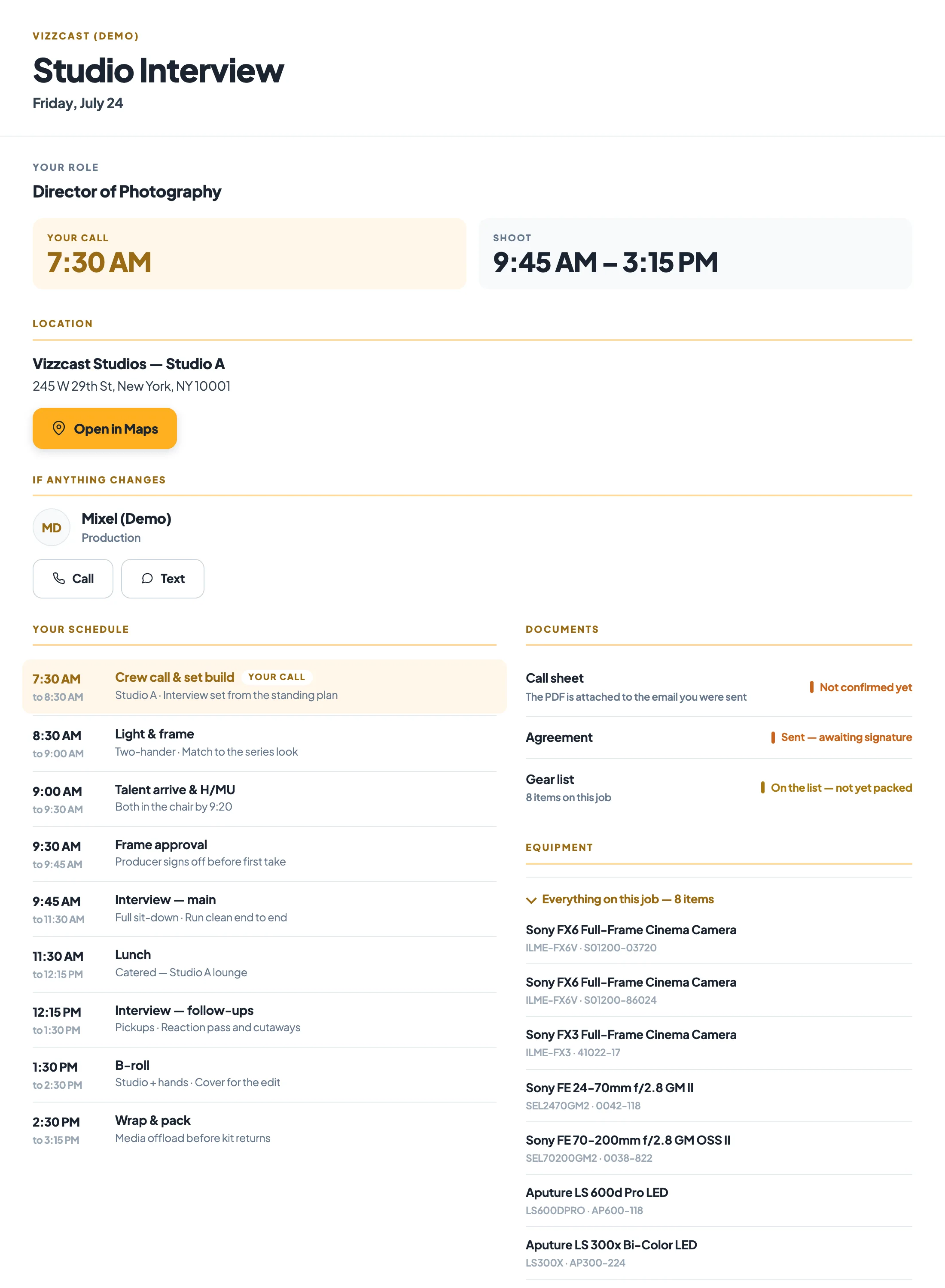
Their call, their location, one tap to confirm.
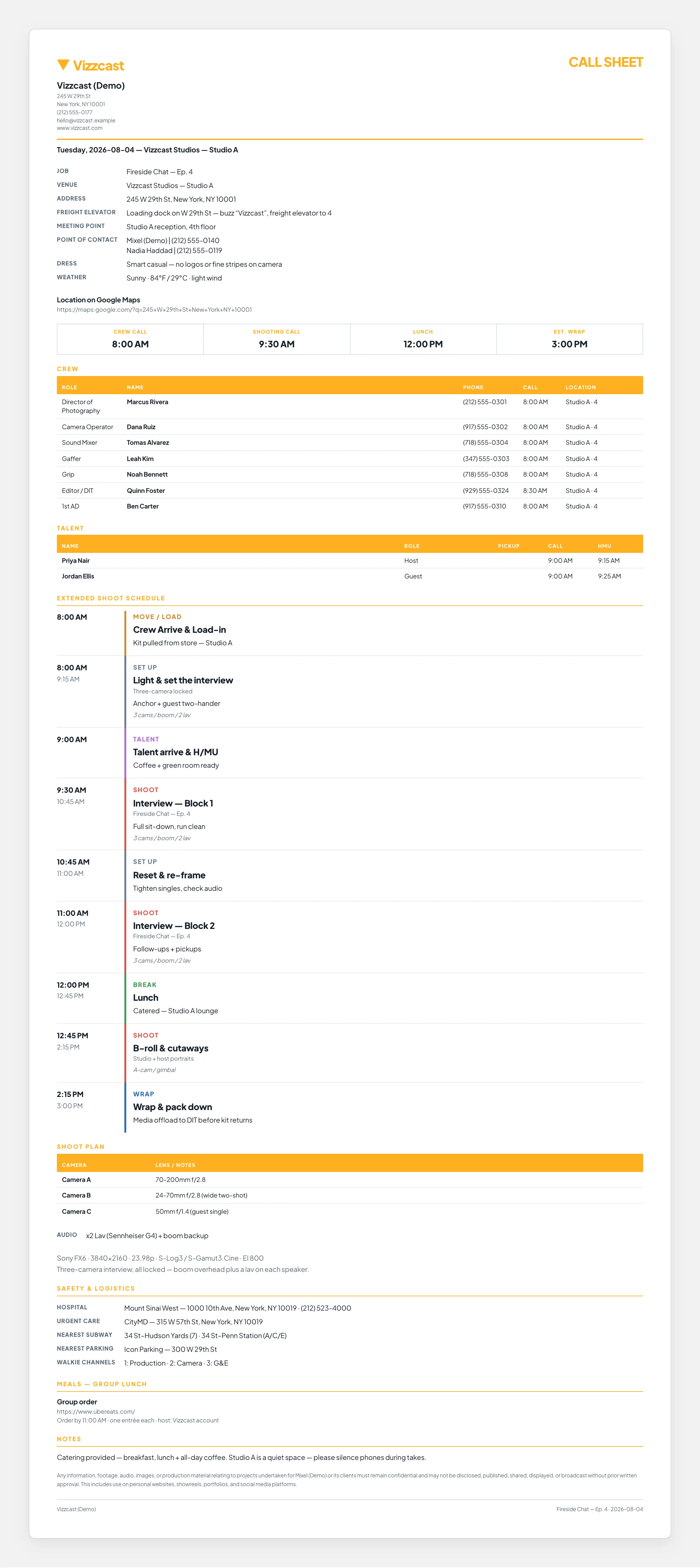
Nobody is CC’d. Each person gets their own message from your company with their call time and start location at the top, then every section of the sheet. Confirm — I’ll be there opens their online copy and tells you they have it.
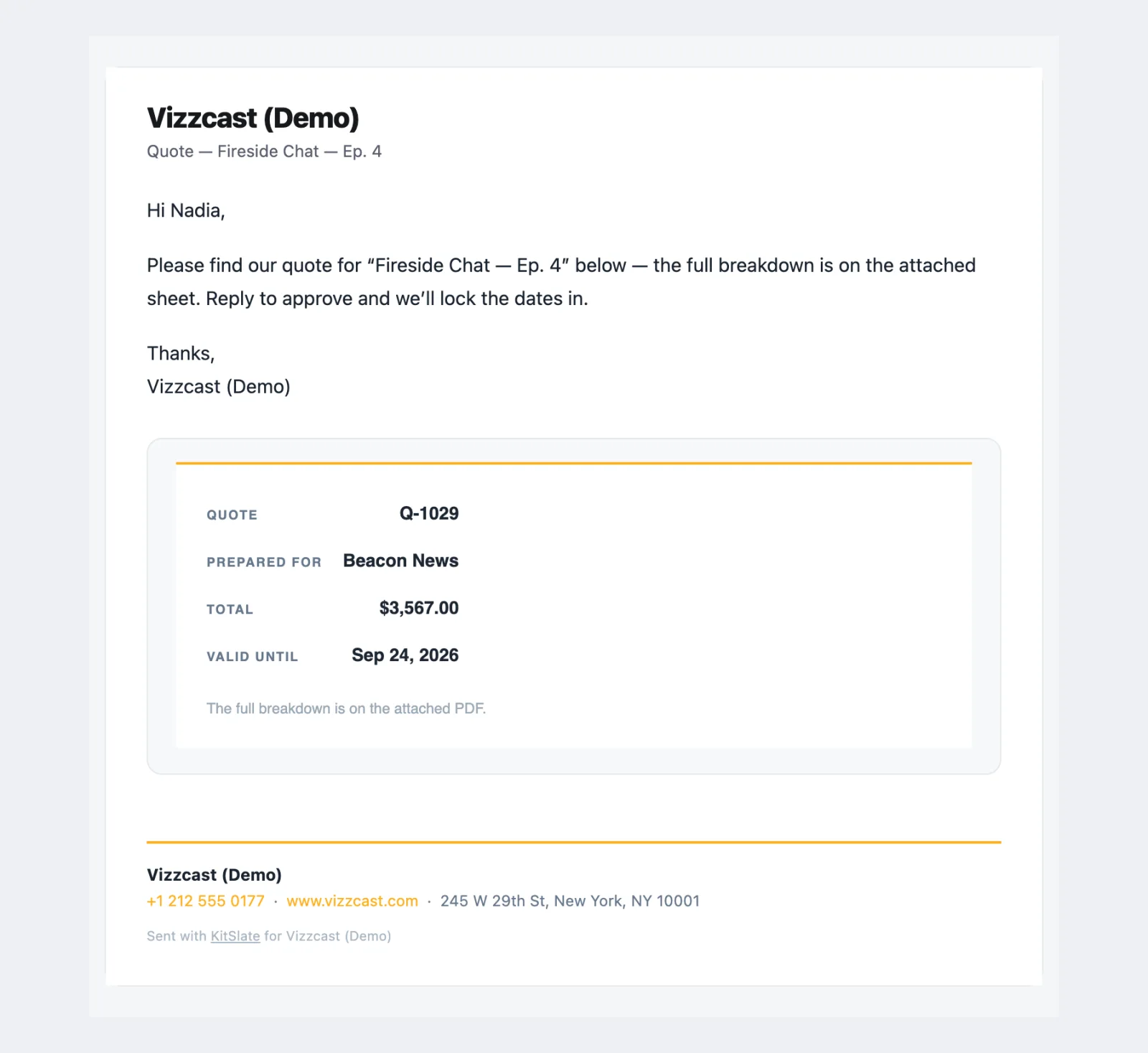
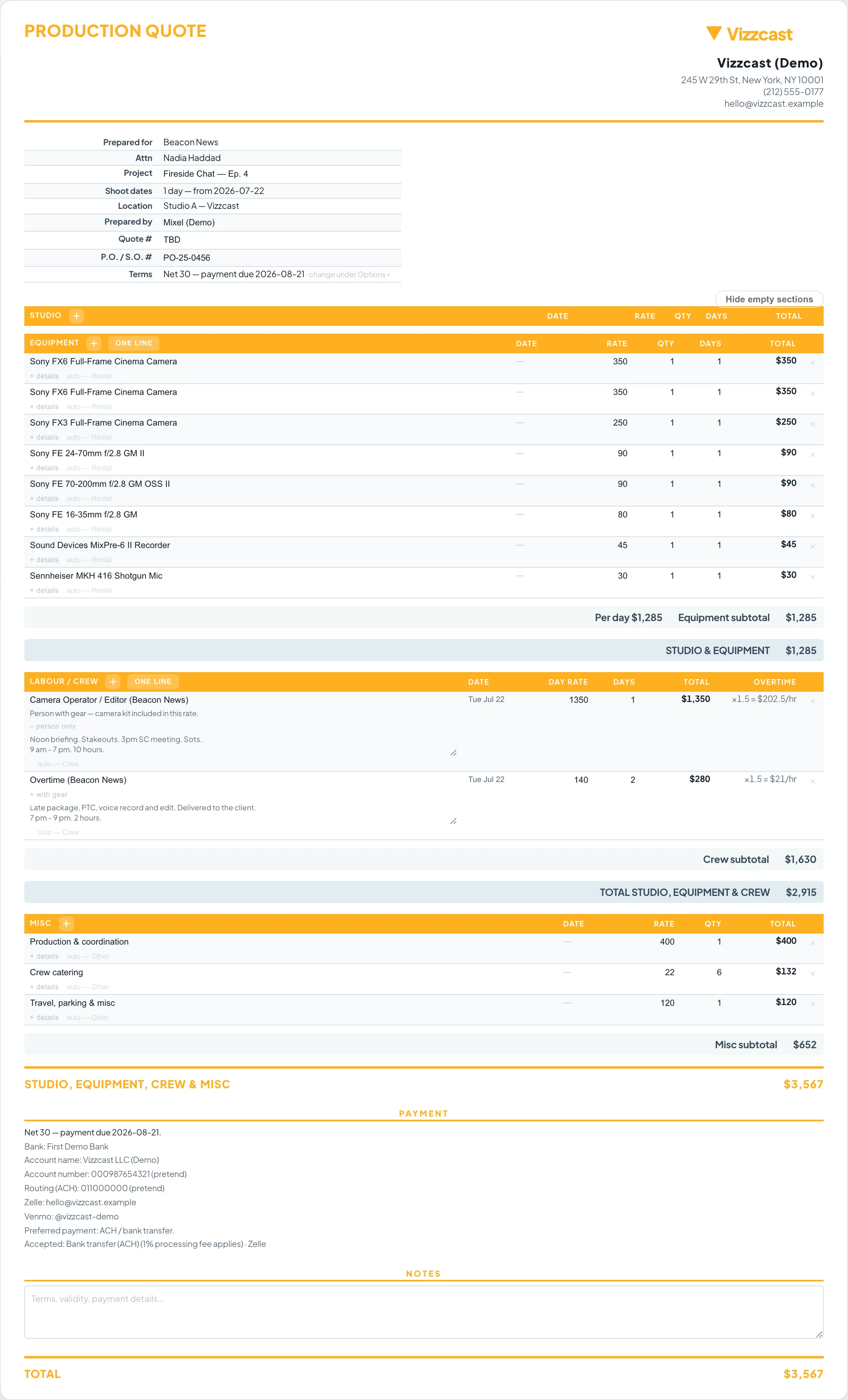
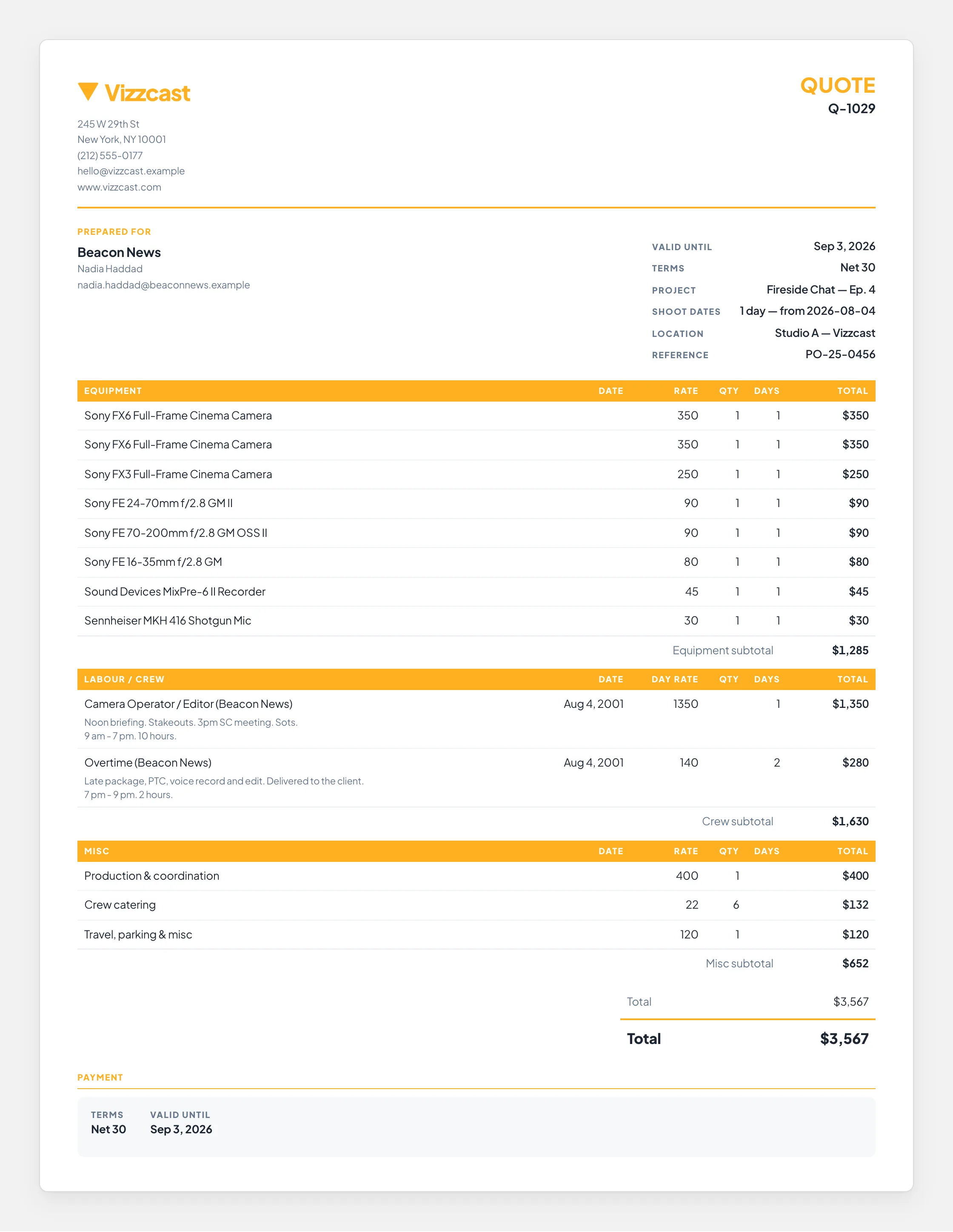
A quote that reads in one glance.
The email carries the quote number, who it is for, the total and how long it is valid, with your message above and your company’s details beneath. The sheet the client opens and the PDF carry the sections and their totals.
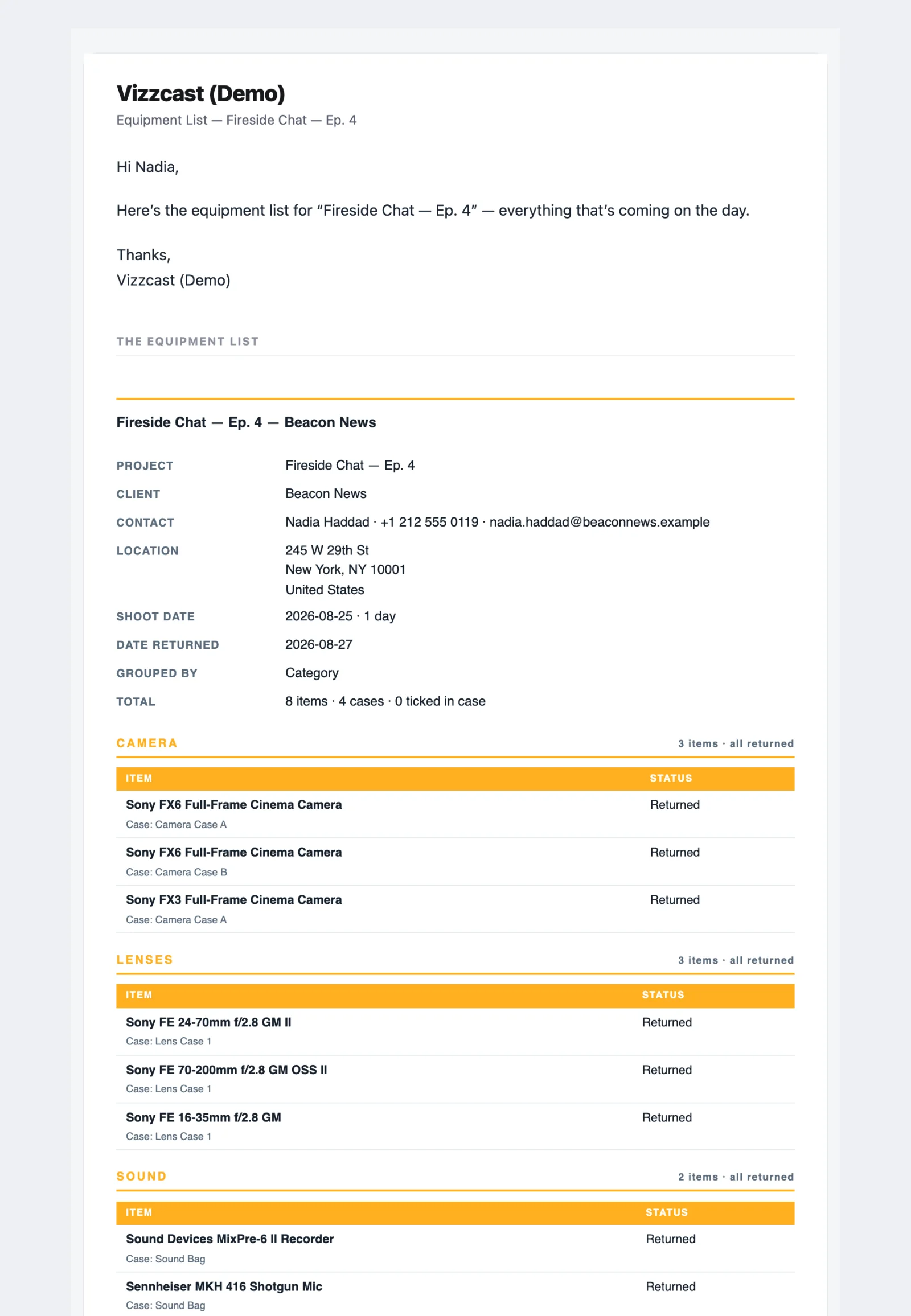
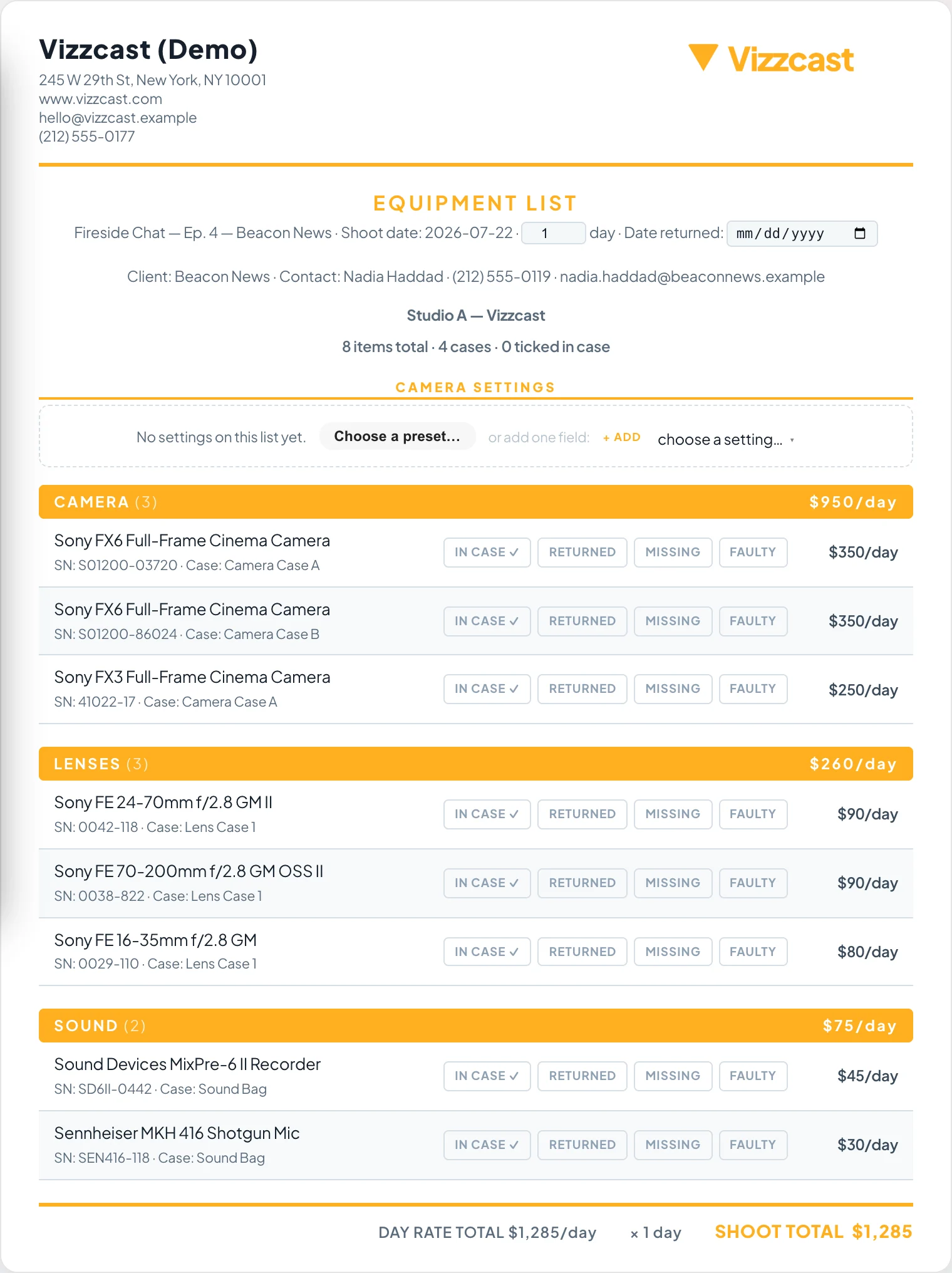
The gear, category by category.
The equipment list goes to a client, a supplier or a crew member with the project, the contact, the location and the dates at the top, then every category with its items and their status, only the columns you left switched on.
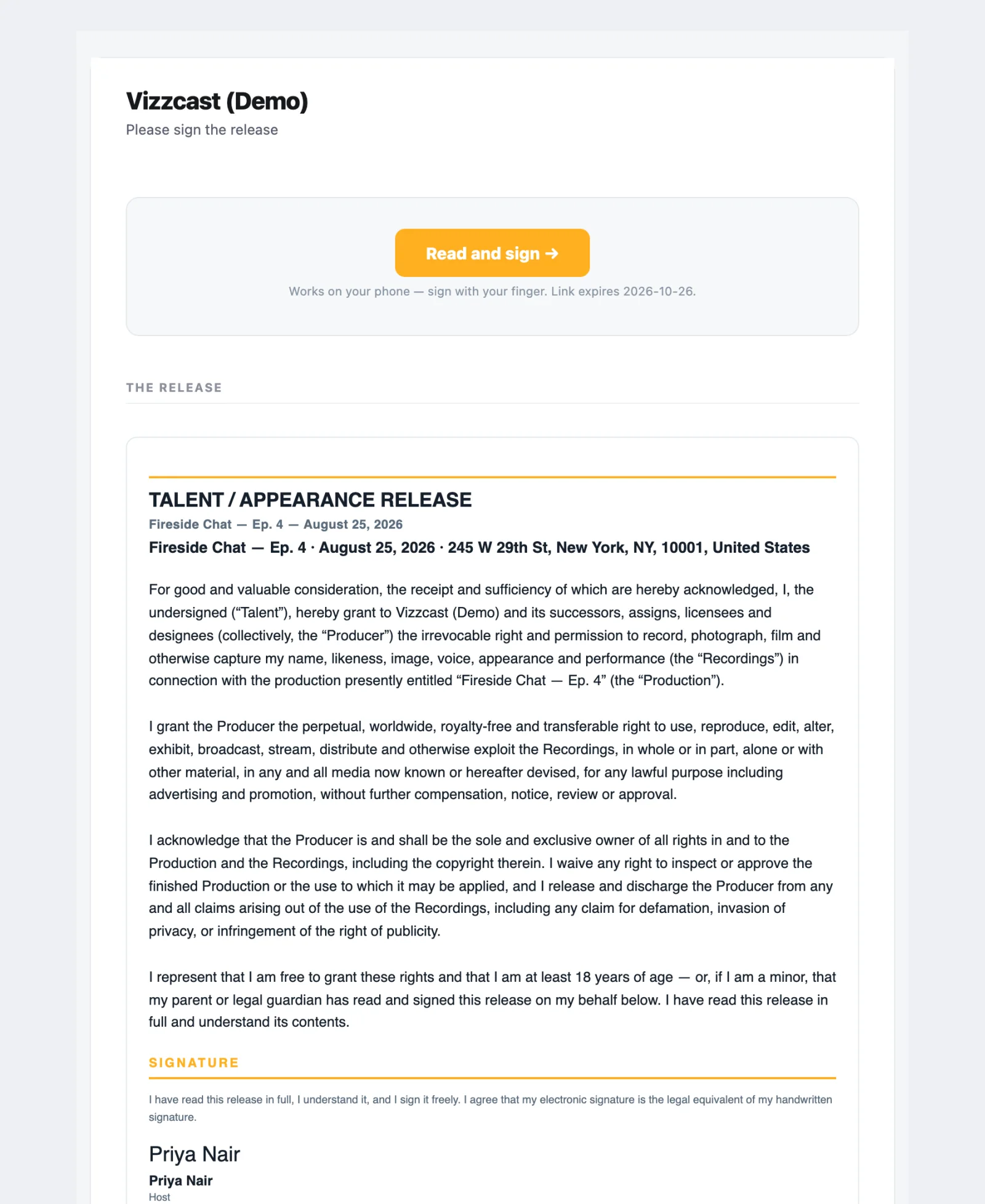
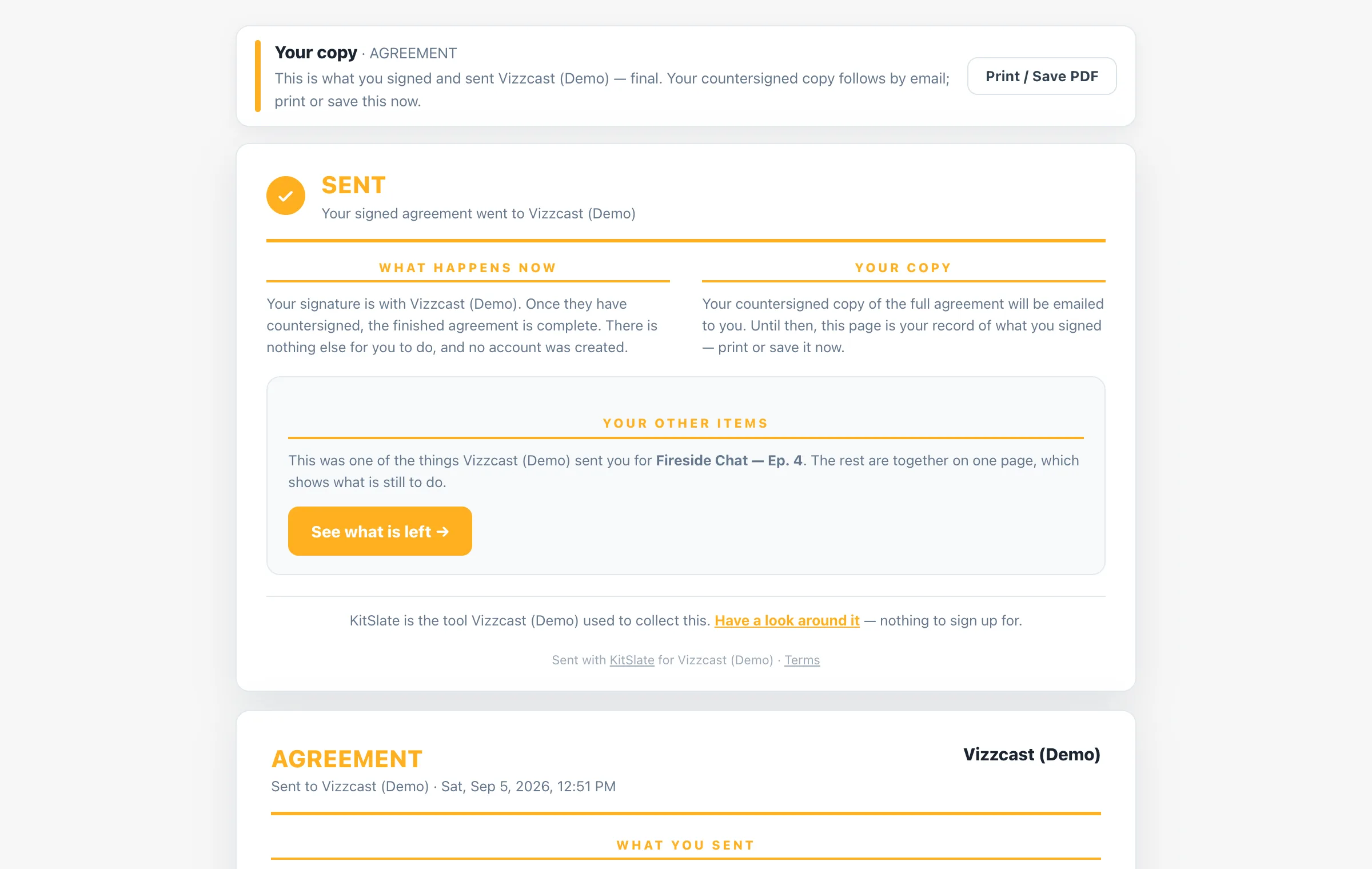
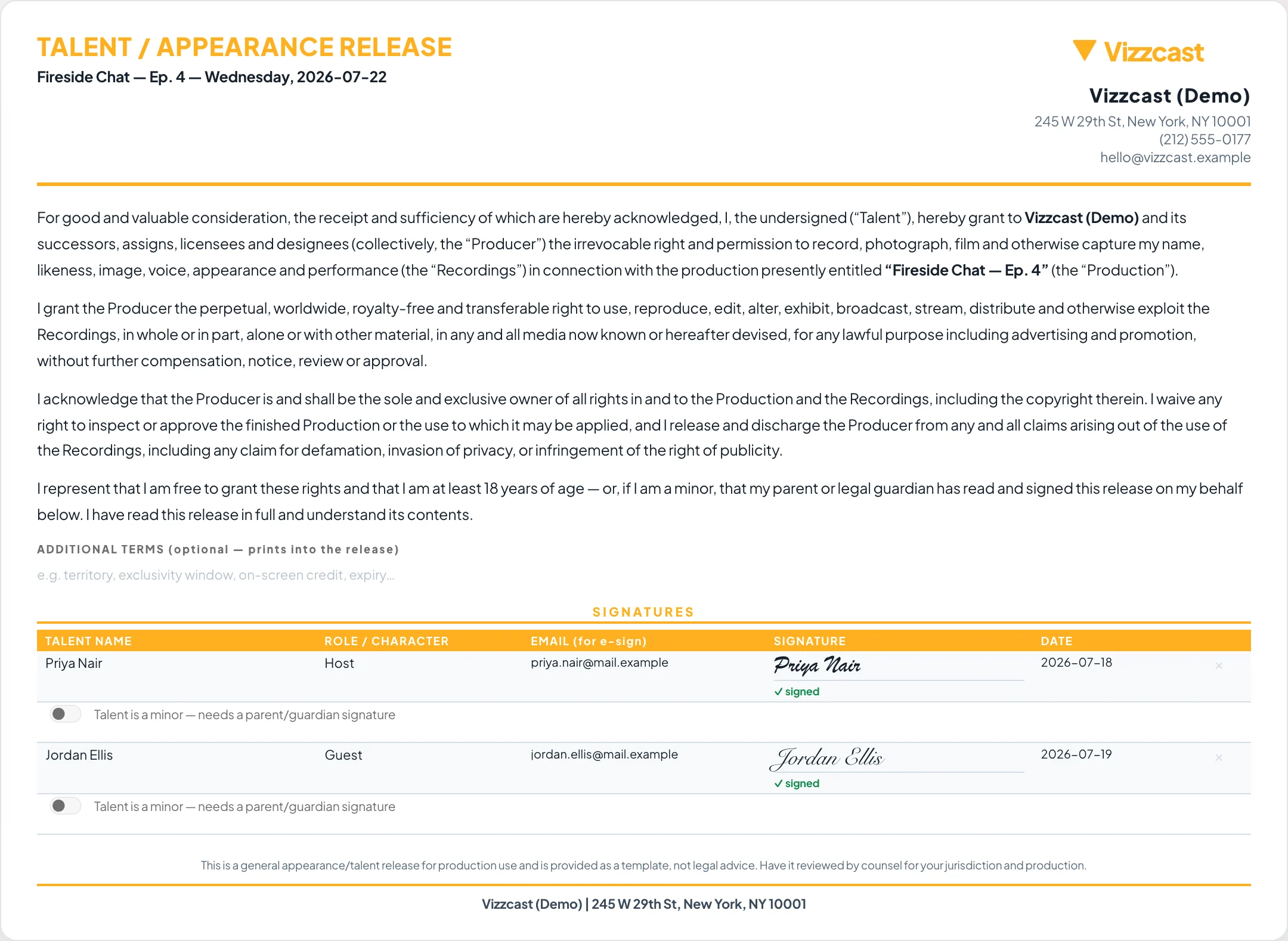
The release, a place to sign, a copy to keep.
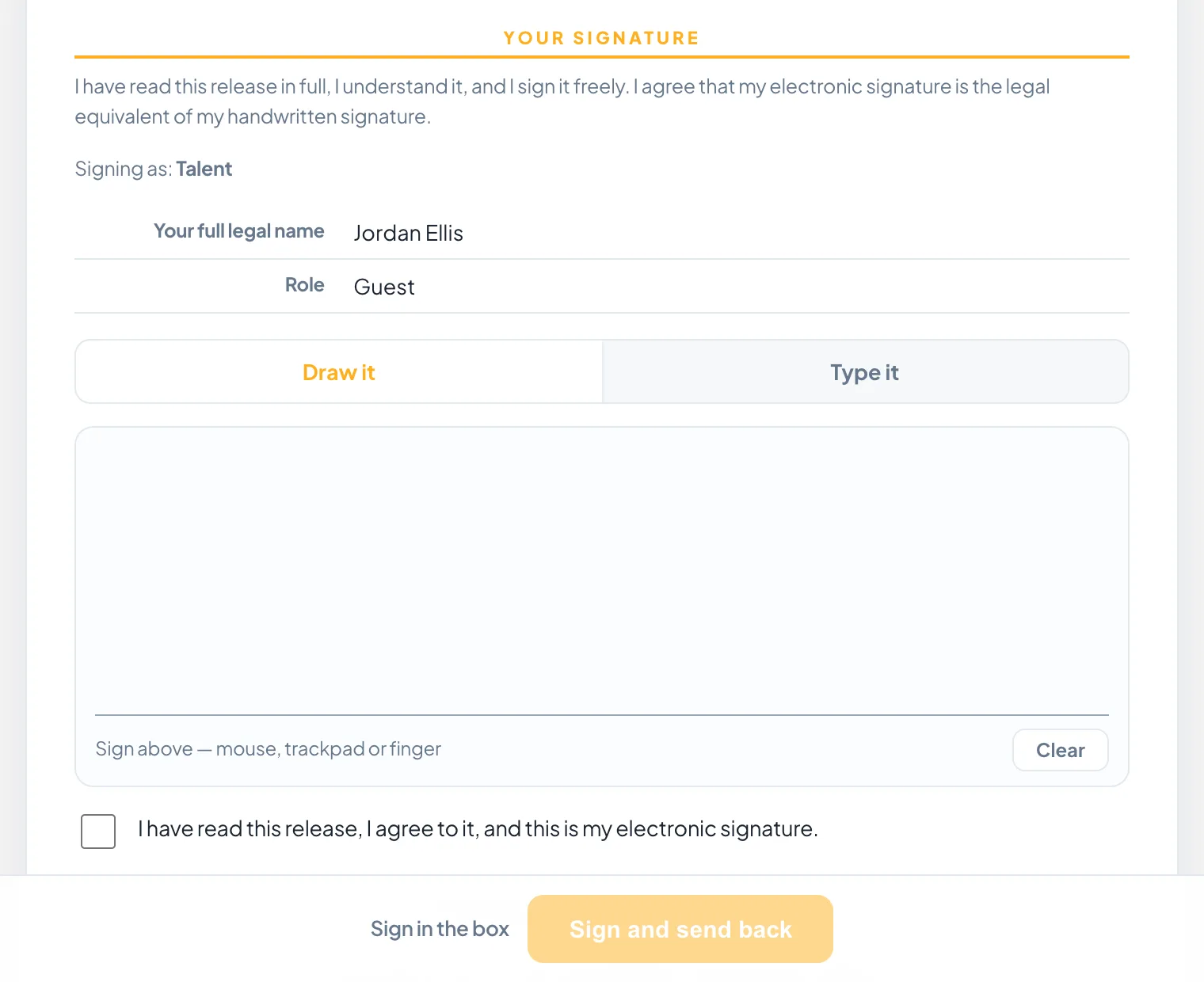
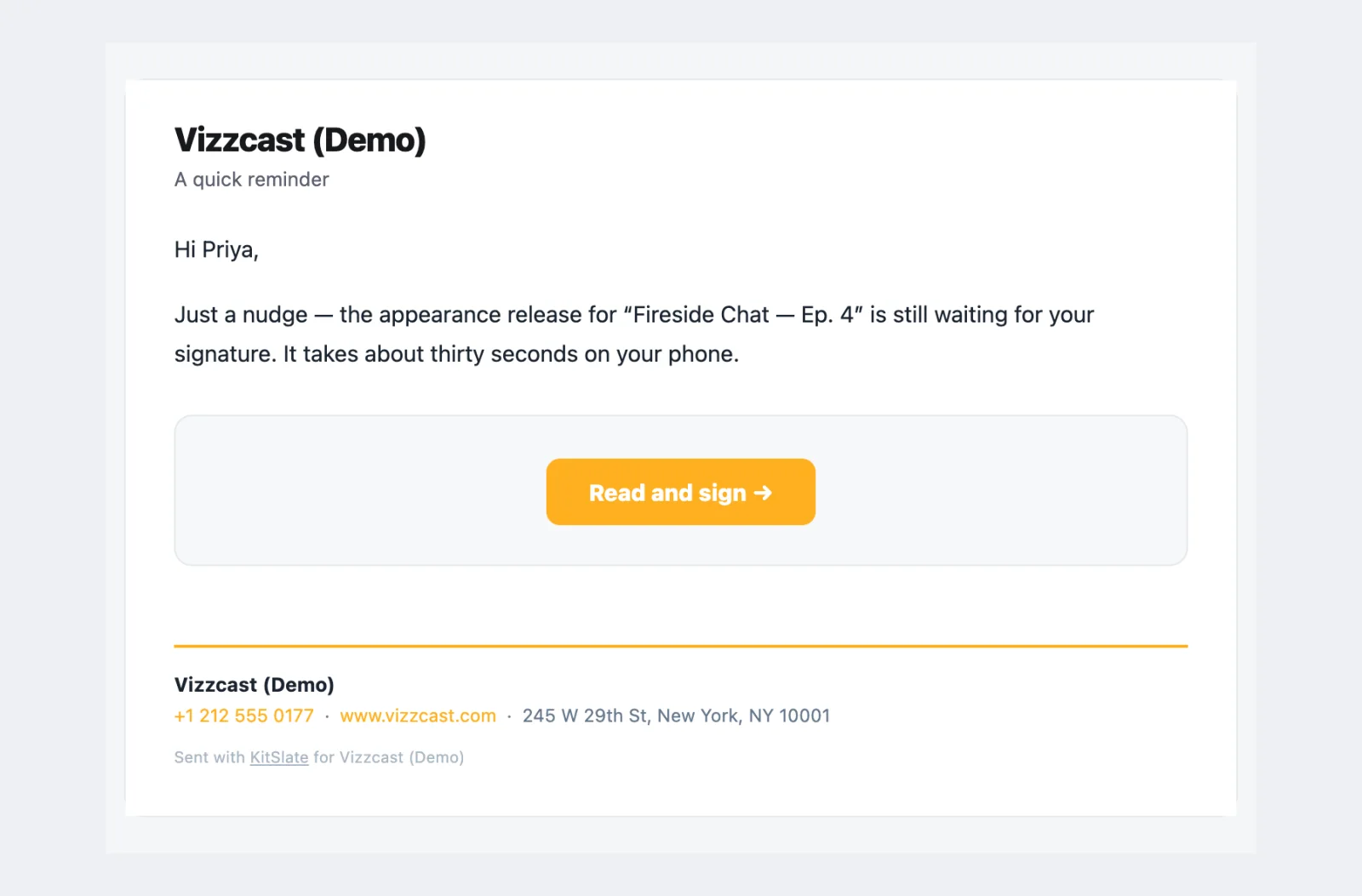
The email says what it is and carries the whole release beneath a Read and sign button. The button opens the signing page: the consent statement, who they are signing as, a draw-or-type signature pad, and Agree. A nudge goes out with one click if they have not.
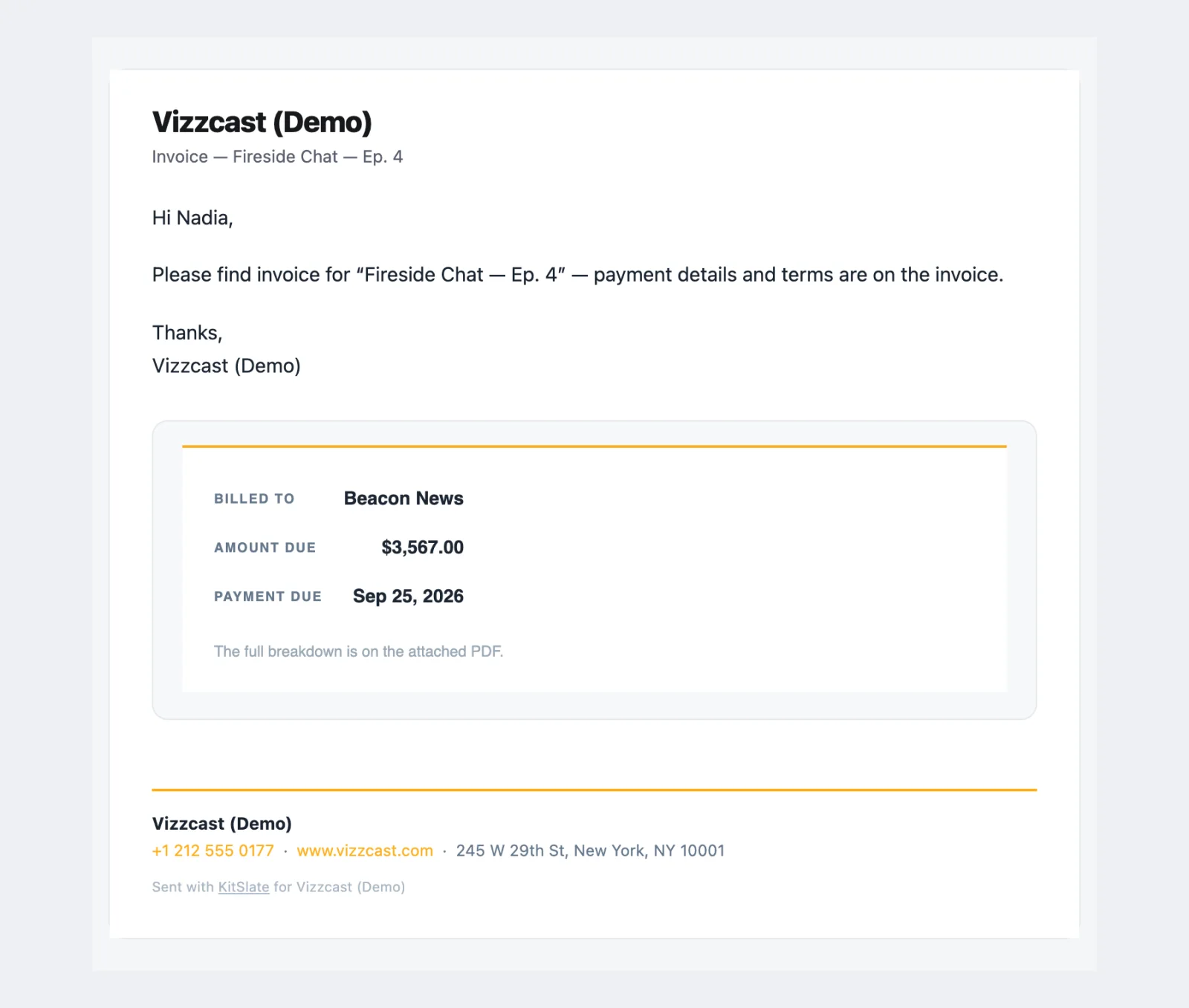
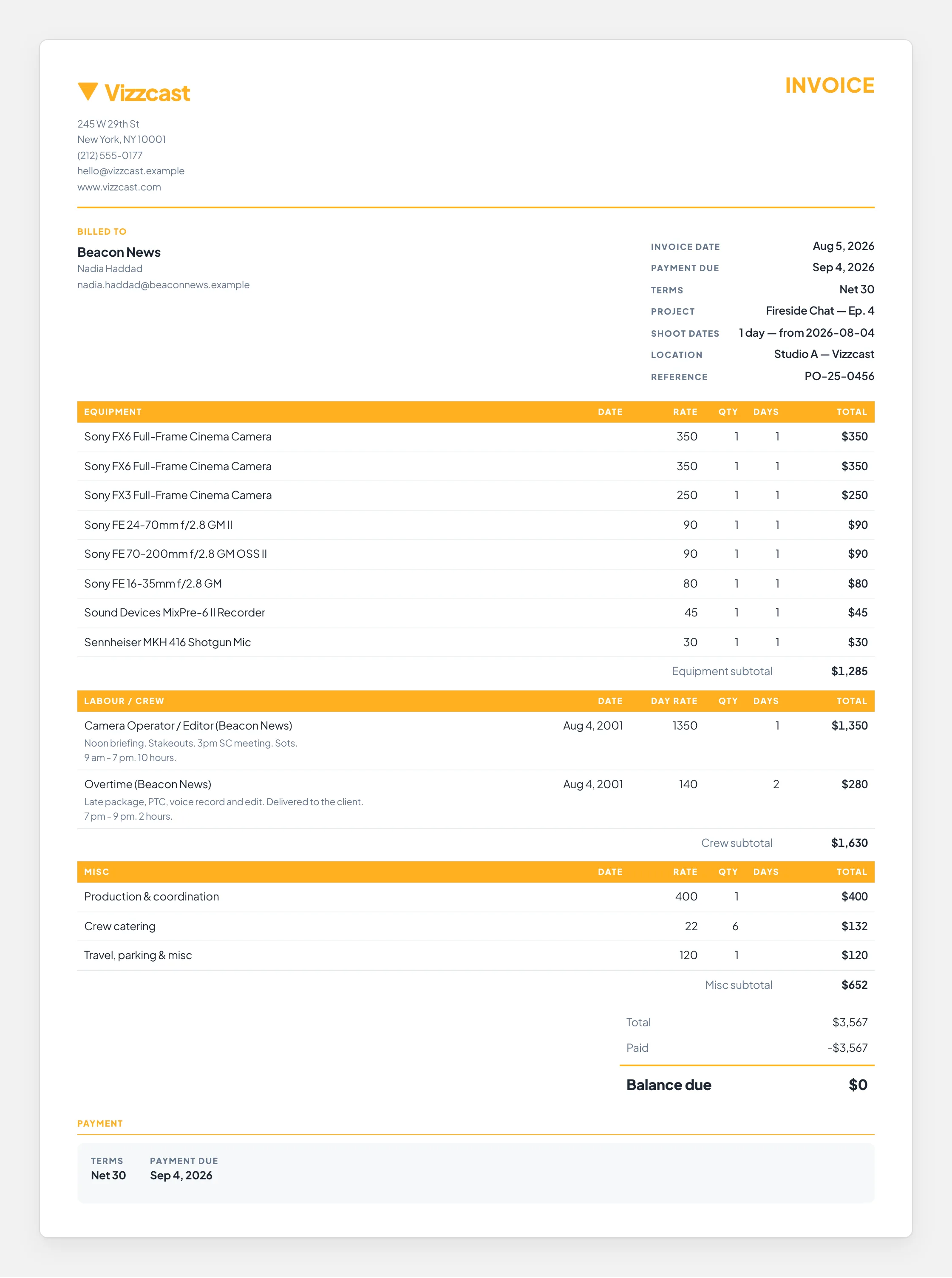
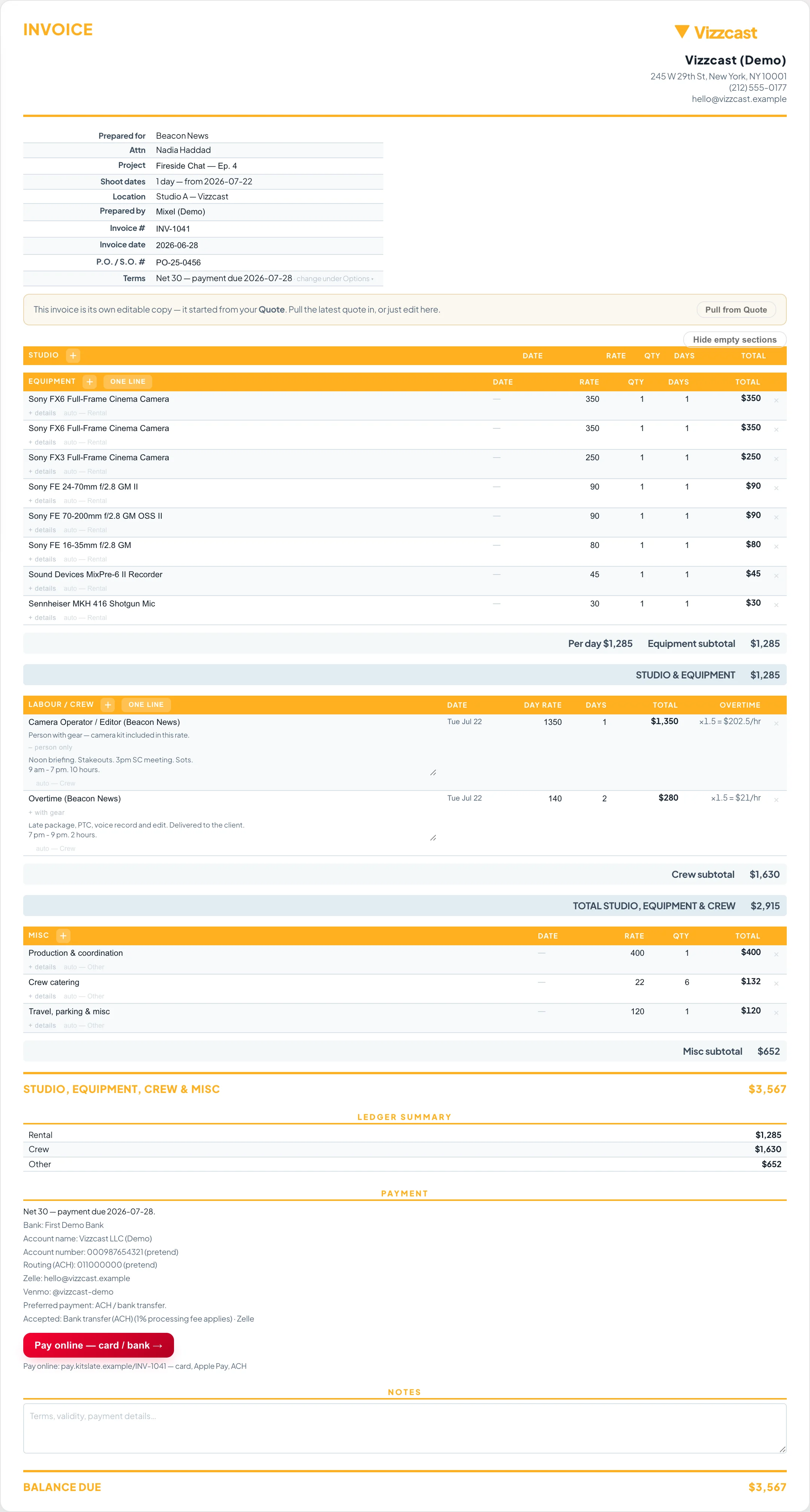
An invoice with a real Pay button.
The email carries who it is billed to, the amount due and the payment date, with the PDF attached. The hosted invoice it links to shows the same sections and totals and, with Stripe connected, a Pay button that takes the card there and then.
When one person owes you three things.
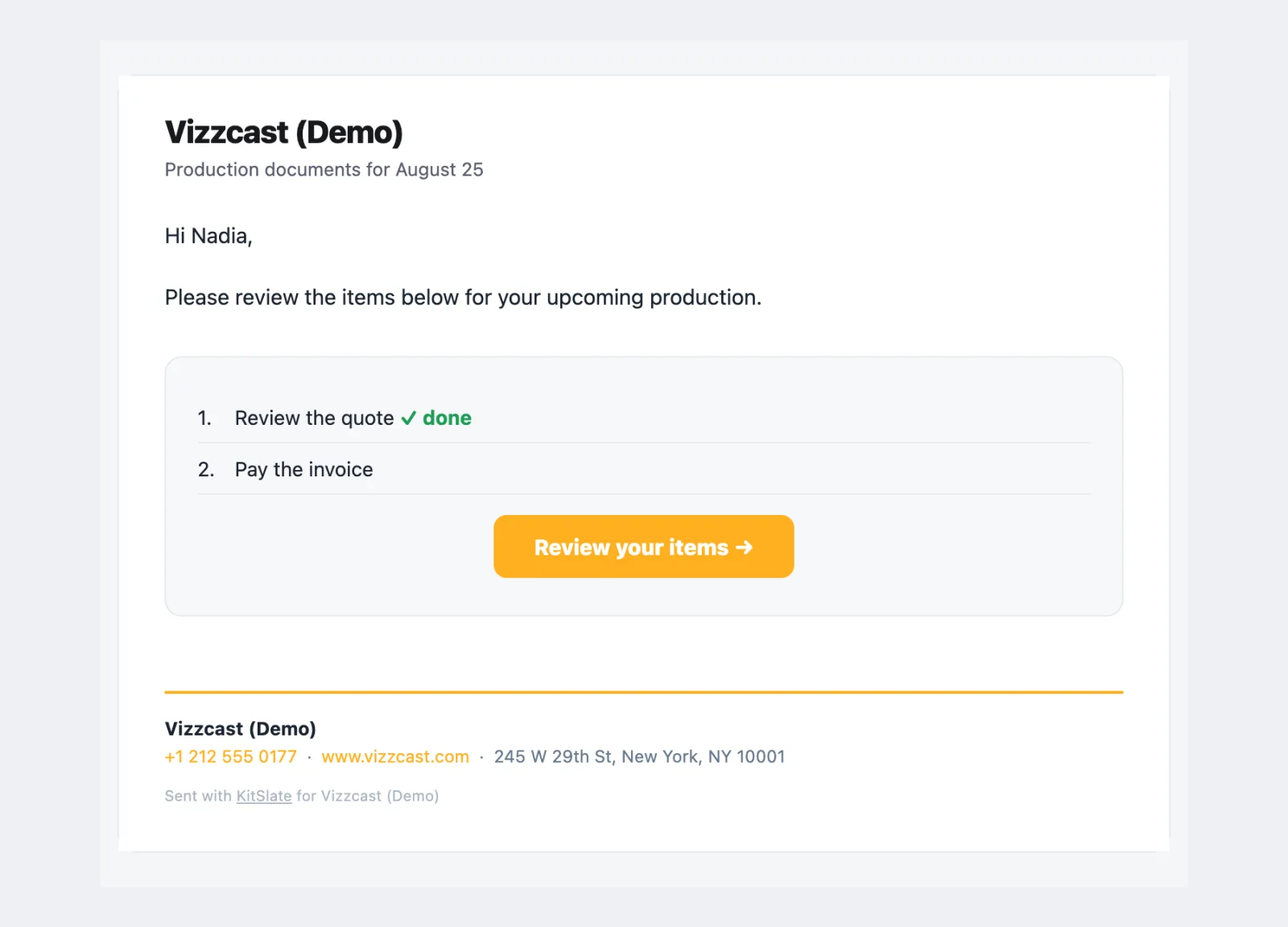
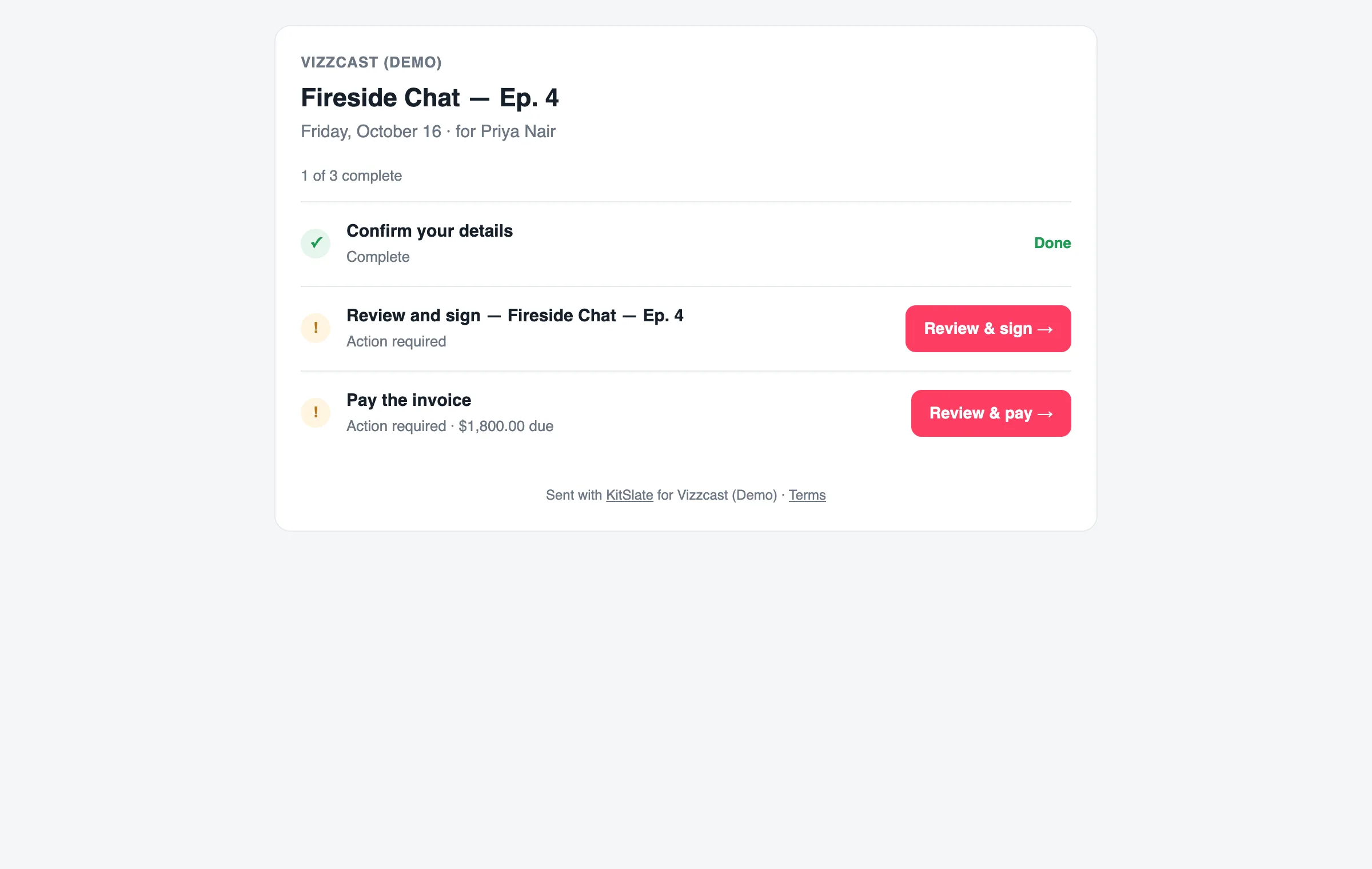
A client who has a quote to review, a release to sign and an invoice to pay gets one email listing them, and one page that walks through them in order. Each row shows done when it is done.
When you need something from them.
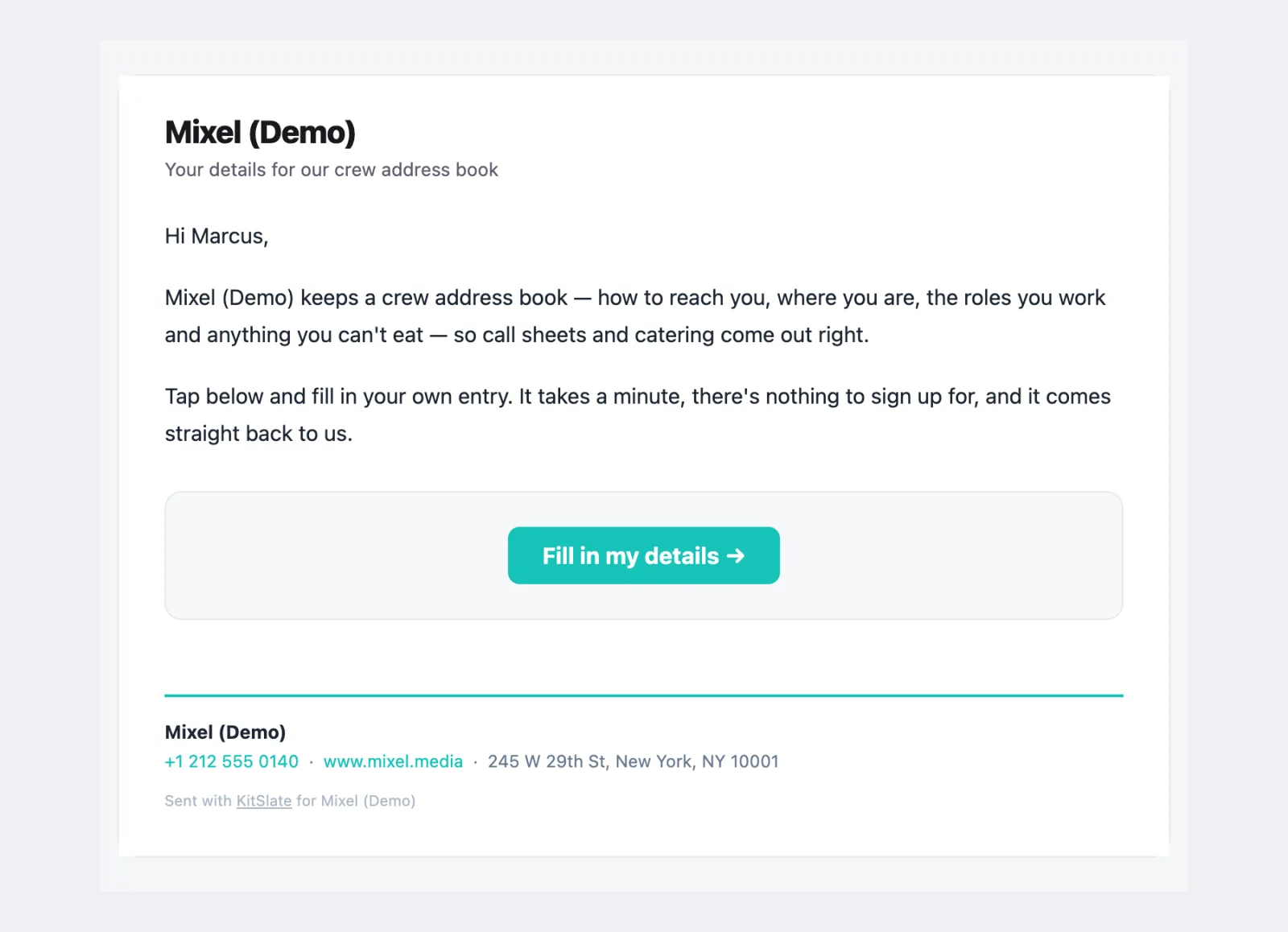
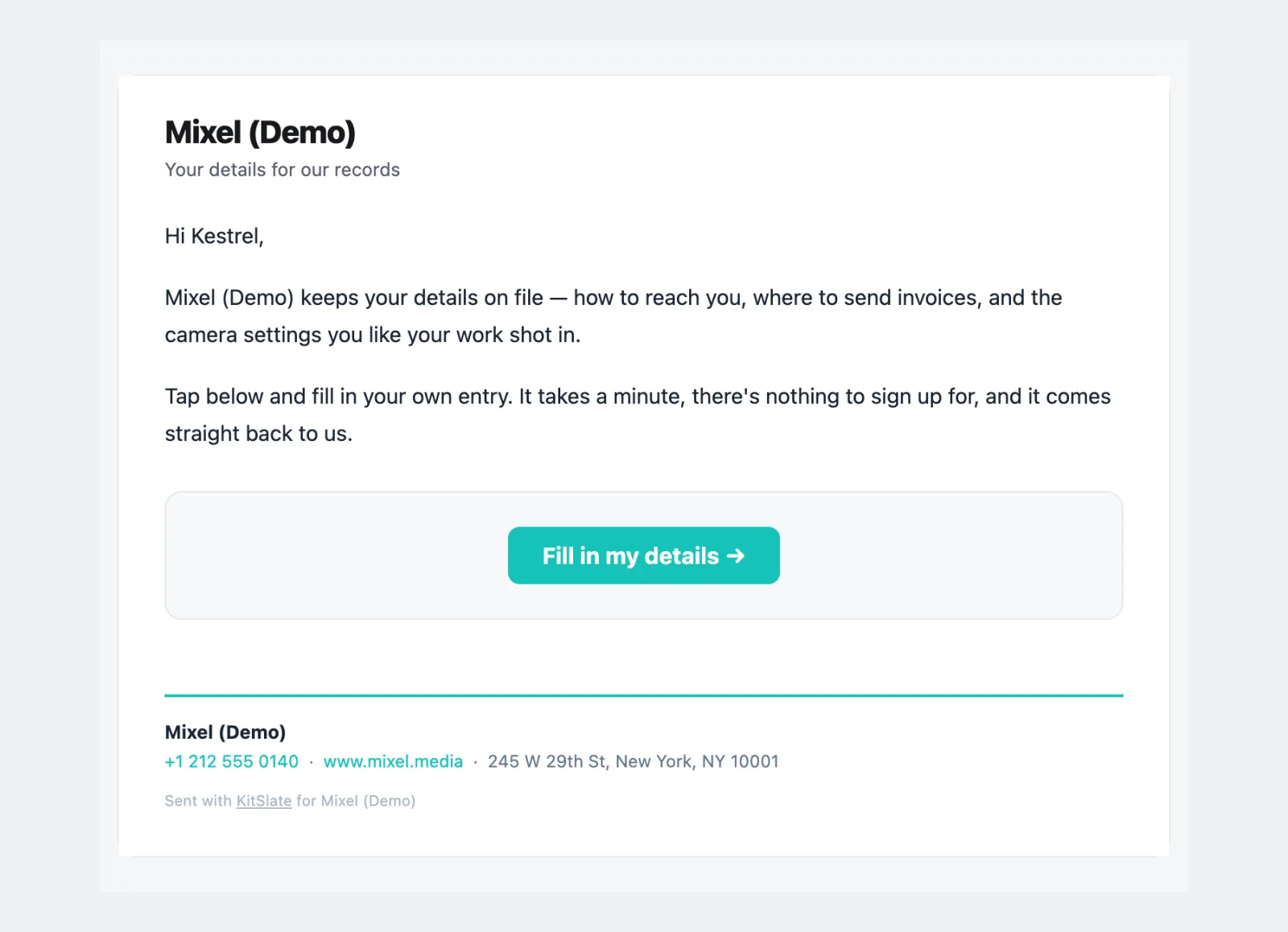
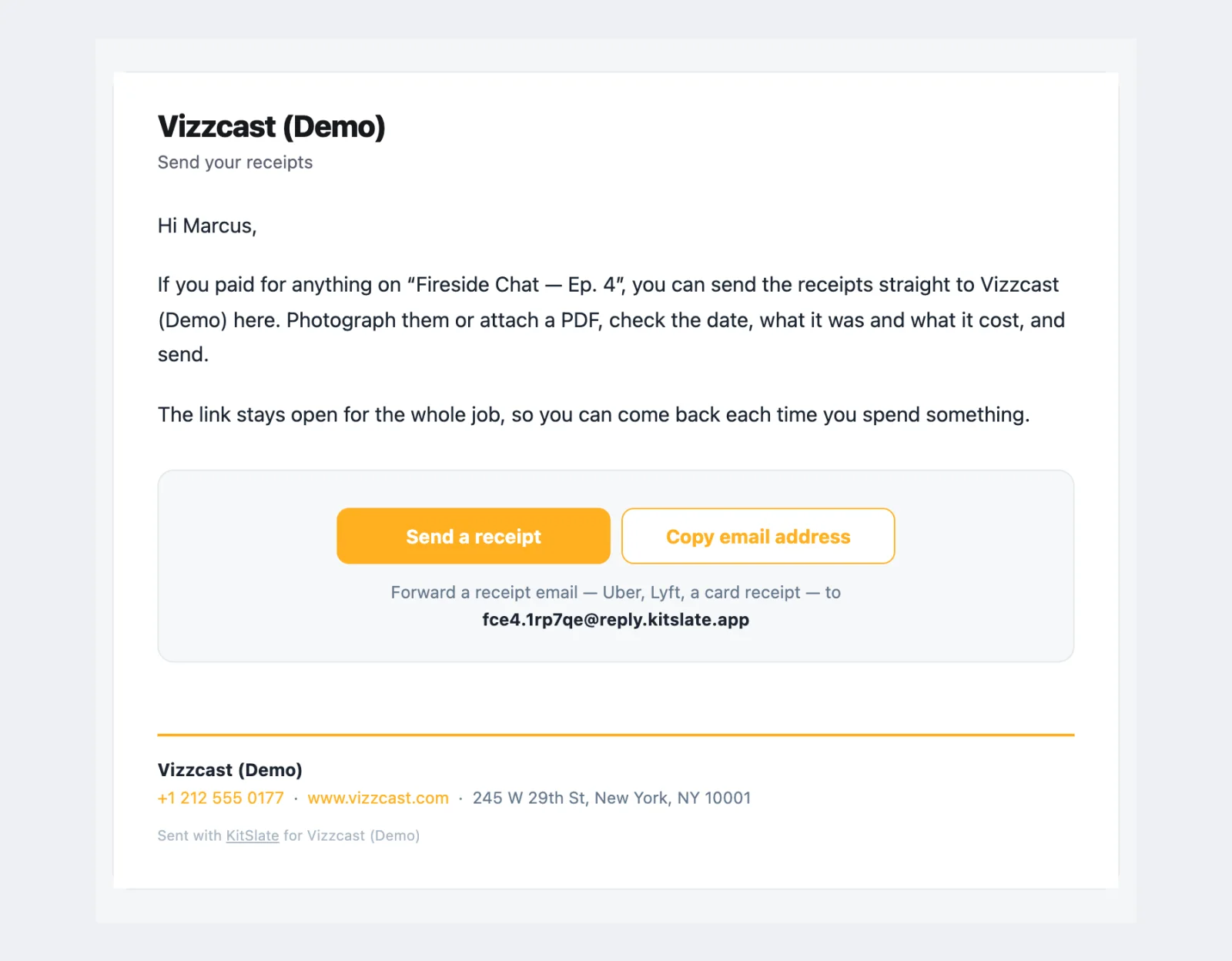
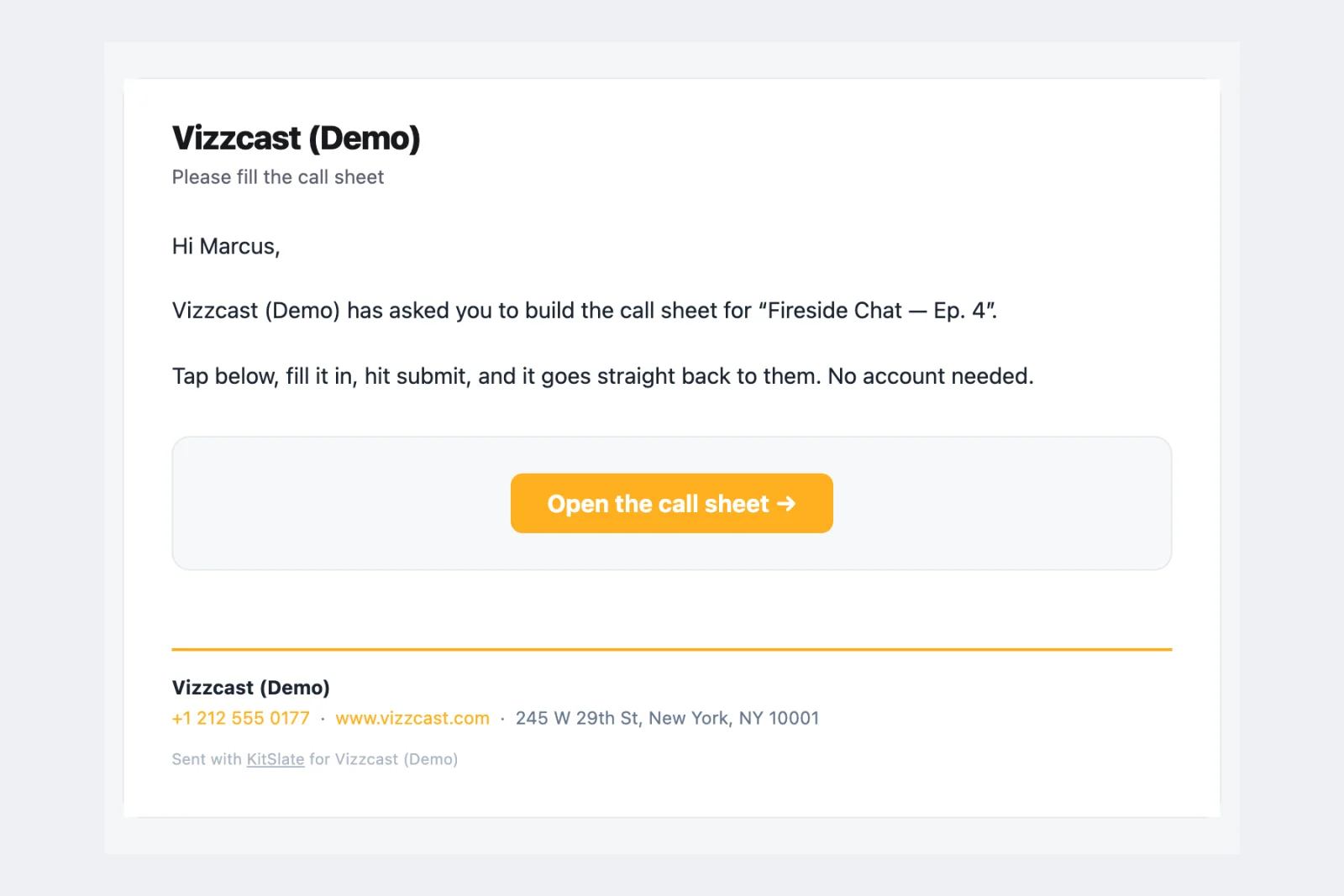
Three emails ask rather than tell: a crew member for their own entry in your address book, a client for their billing details and camera preferences, and anyone on the job for the receipts they paid for. A fourth hands a document to someone to fill in.
A receipt for them, a status for you.
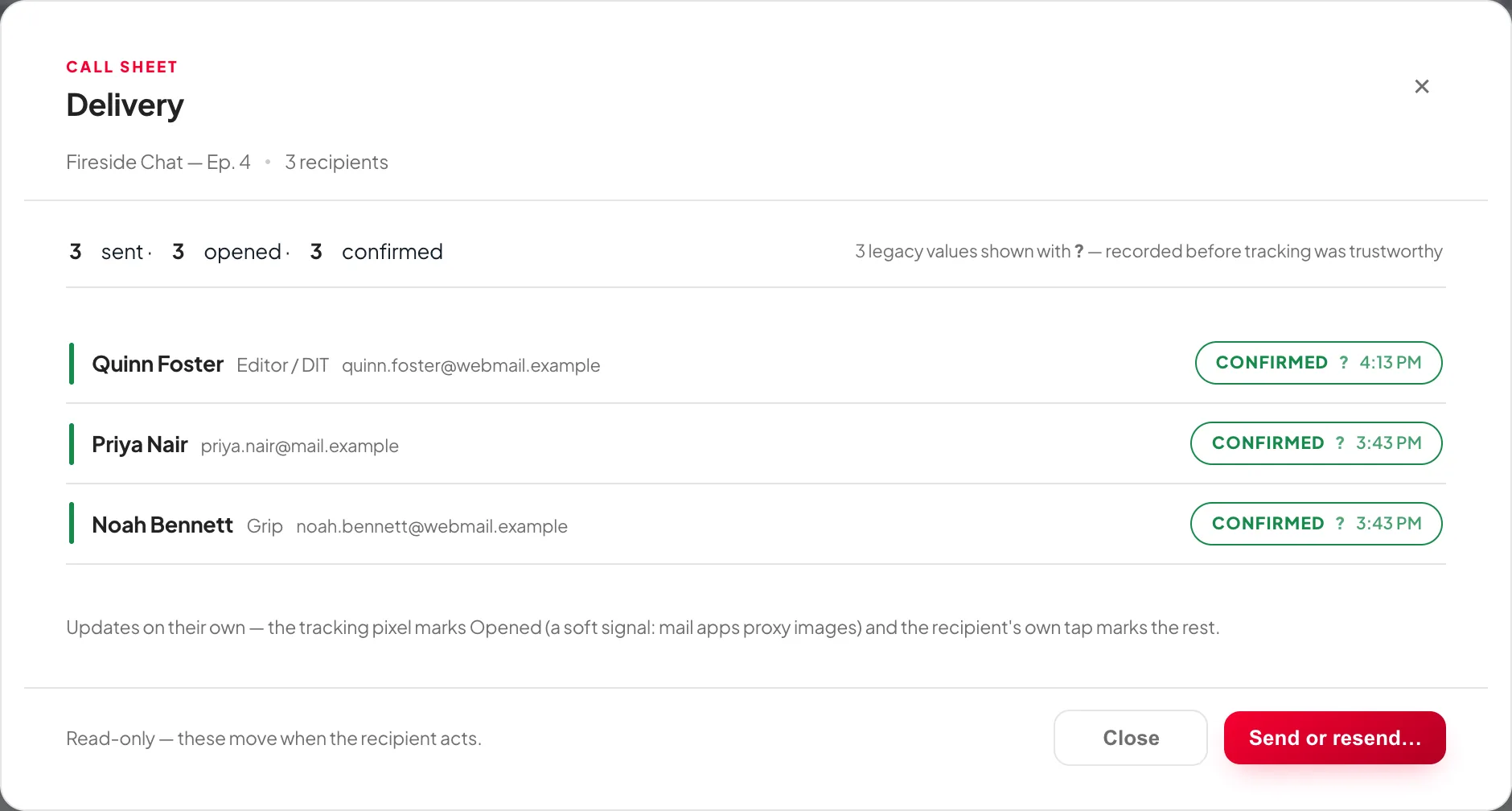
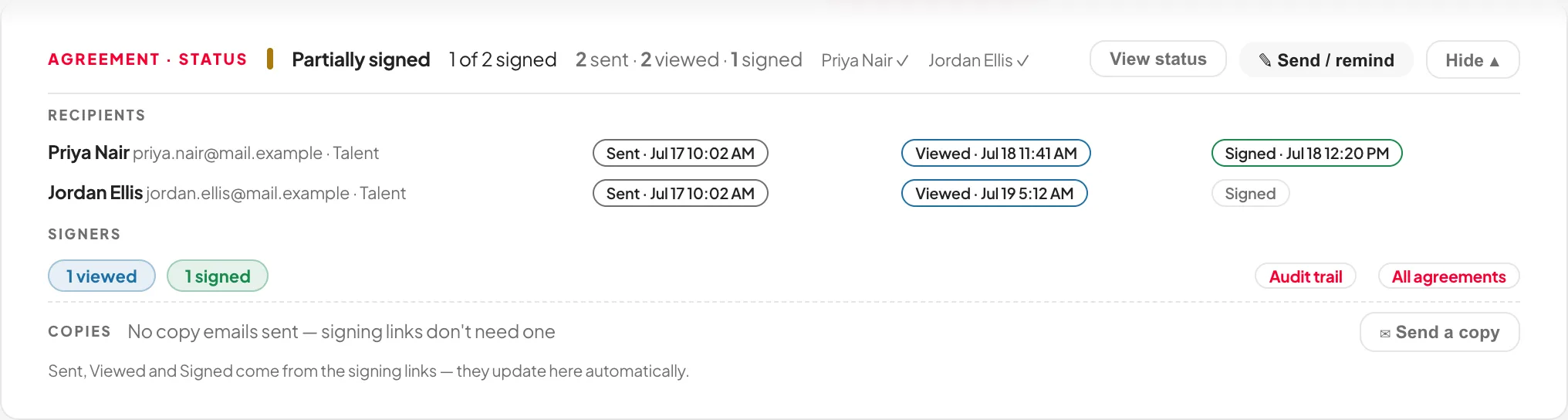
Every action leaves the person with something to keep and you with a state you can see. Sent, opened, confirmed, viewed, signed and paid come back to the document’s status card with a name and a time. Two things reach you by email: an enquiry from your public page, and a message about something you are selling.
Before you try it.
Do my crew or clients need a KitSlate account?
No. Everything they receive works from a private link in the email. Nothing to install, nothing to sign up for.
Who does the email come from?
Your company, with its name, colour and details from the letterhead. Replies come back to you. KitSlate appears once, as a small line at the foot. Only the account emails at the top of this page come from KitSlate itself.
Can I see it before I send?
Yes. Every sending box has a Preview that shows the exact email per recipient, and every document has a View as they see it link on its status card afterwards.
Are these real captures?
Yes. They are taken from the sandbox workspace, built by the same code and templates that send real email. Open the sandbox and send one yourself to see it live.
Send one and see for yourself.
The sandbox has a production with crew, a client and every document already on it. Press Send and read what arrives.