An inventory that prices your quotes and packs your van.
Every camera, lens, light and cable in one place, with three day rates that cascade, cases that know what is in them, and an importer that reads a spreadsheet, a PDF, a photo of a list or a pile of receipts. This is the screen the rest of the app leans on hardest.
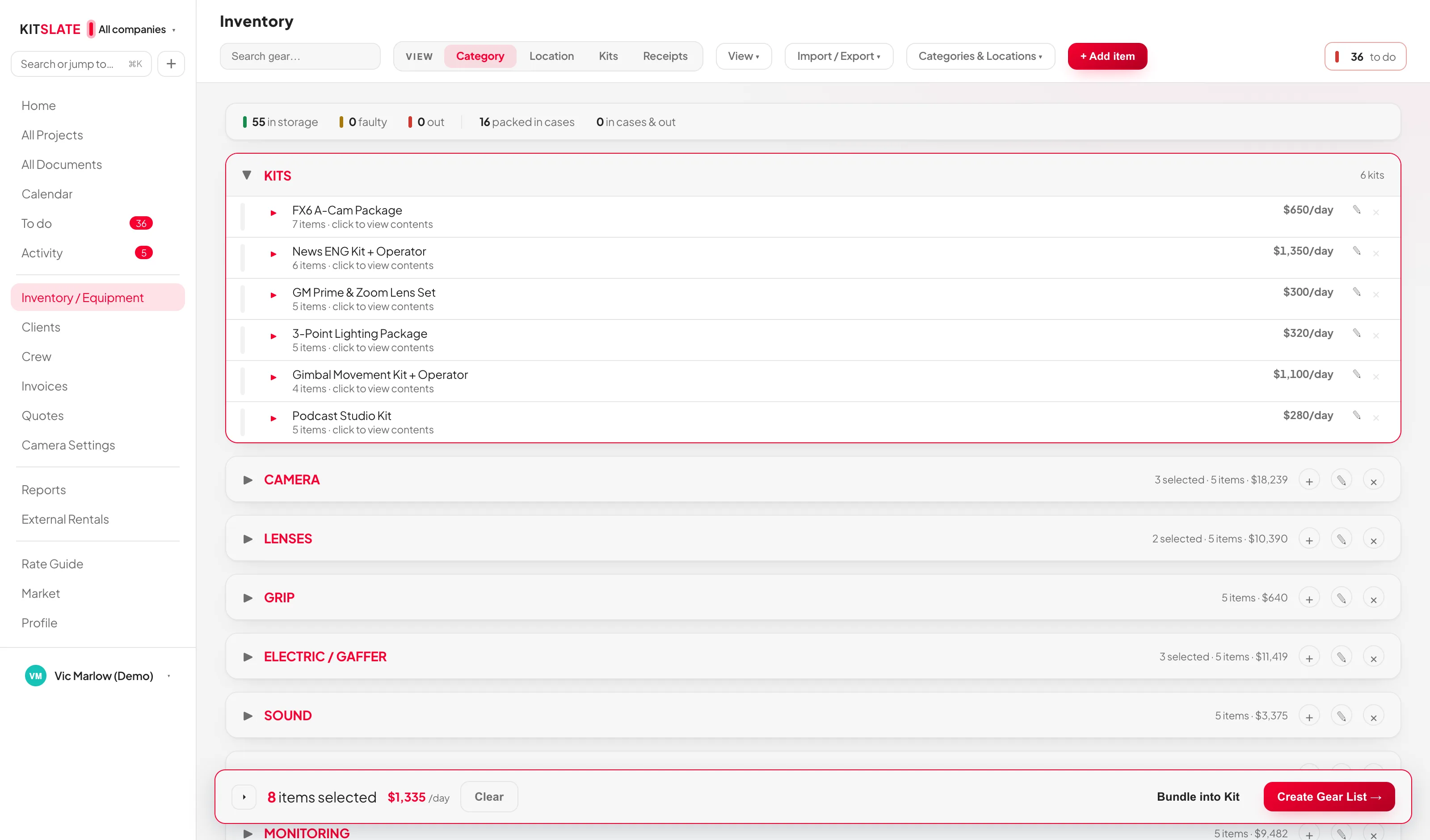
Three ways your gear is organised.
Categories are the top-level grouping and every item is in exactly one. Locations are where a thing physically sits. Kits are named bundles with one blended day rate.
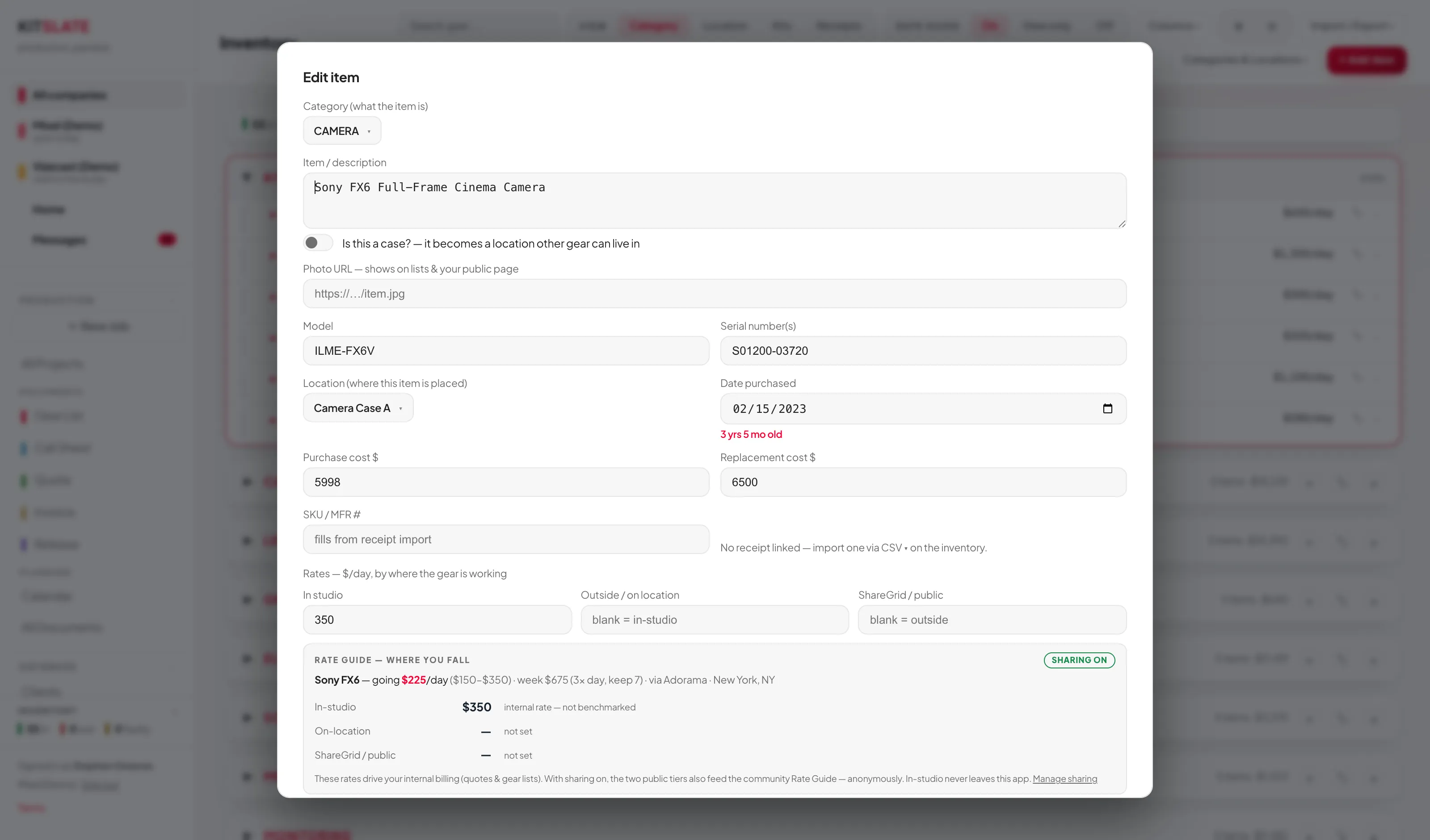
Fill in only the rates that differ.
Each item carries In studio, Outside / on location and ShareGrid / public day rates. Leave one blank and it falls back down the chain, so a gear list at outside rates uses Outside, or In studio if there is none.
Drop a spreadsheet, a PDF, a photo or a receipt.
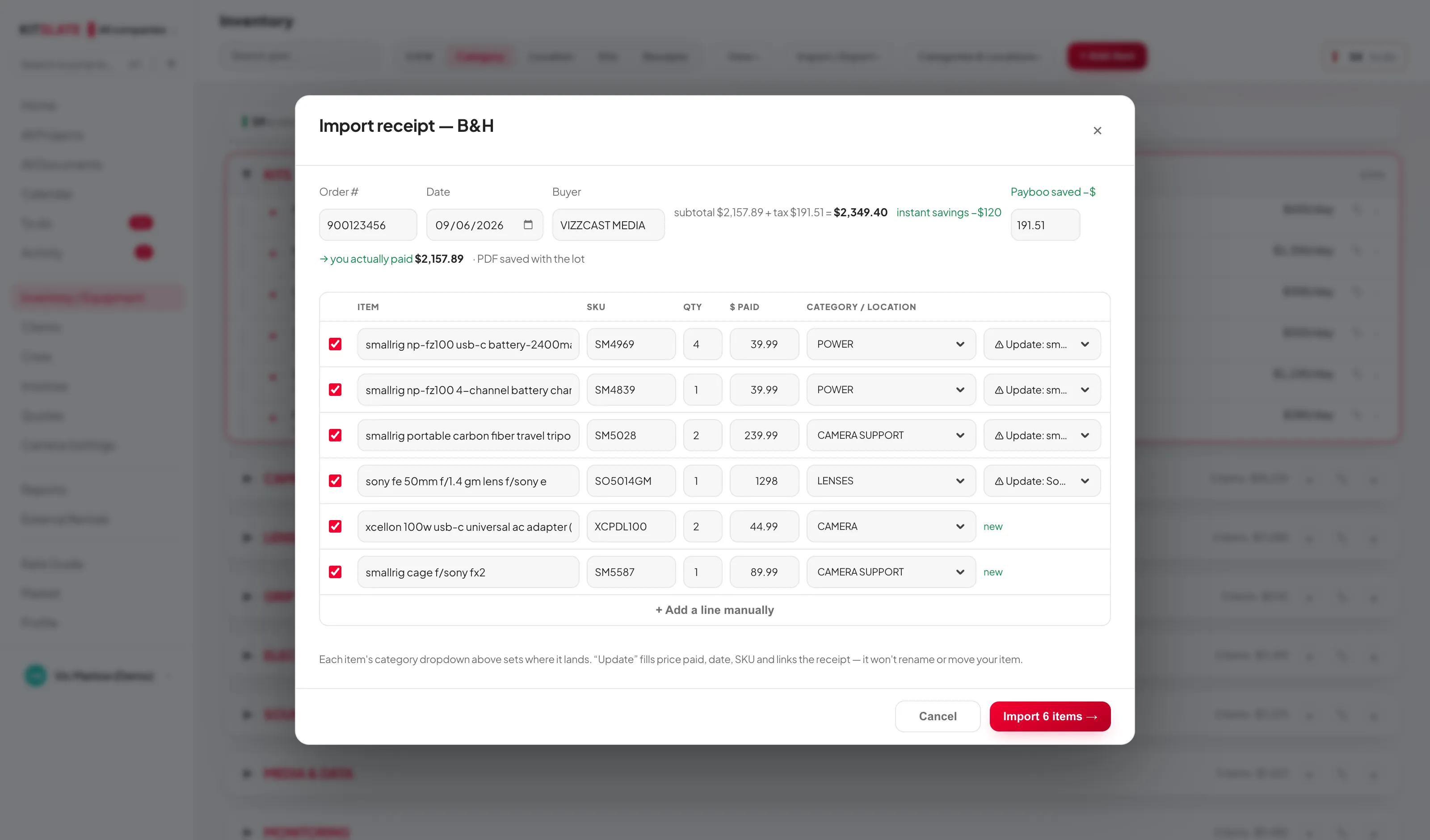
One Import takes a B&H invoice, any other receipt (a PDF, or a photo of it), a CSV, an equipment-list PDF, a screenshot of a list, or pasted text. KitSlate reads the file and decides: a receipt is logged with its file and its lines become inventory; a list becomes items. Files it recognises are read directly; anything else gets a Read it with AI → offer, and nothing is sent to it until you press that. Either way you see every line before anything is added. Receipts import on every paid plan; a list import is Studio and up.
Before you try it.
Can I sell gear straight from the inventory?
Yes. Sell this → on any item fills a market listing from the shelf — name, model, SKU, purchase date, photo, category — and attaches provenance the app can vouch for. Serial numbers and notes never go into a public listing.
Is my inventory shared with anyone?
No. Only what you choose to publish is public: an item with a ShareGrid link appears as kit for hire on your page, and a listing you create appears on the market.
Which plan has the inventory?
The full inventory — kits, cases, packing, receipts — is on Solo and up. Importing an equipment list — a CSV, a list PDF or a pasted list — is Studio and up. See pricing.
Does it track who has what on which job?
A gear list that marks an item in case sets it out in the inventory until it is marked returned, and the calendar's conflict detection sees it on that job.
Import yours in an afternoon.
On Studio and up, drop the spreadsheet you already have. The sandbox shows the review screen on a real list first.